9 Best AI Calendar Assistants for 2026
 Justin Canetti9 min read
If you still spend too much time coordinating calendars, chasing replies, and rescheduling meetings, you're not alone.
Scheduling is one of those tasks that looks small but quietly eats up hours. A simple meeting can turn into a long thread of "Does Tuesday work?" messages, and once multiple people or time zones are involved, it gets even more complicated.
That's where AI calendar assistants can help. The best tools today go far beyond simply showing your availability. They can coordinate meetings, communicate with attendees, protect focus time, organize your day, and increasingly take action on your behalf.
But "AI calendar assistant" now describes several very different kinds of products. Some are built around booking links. Others optimize your calendar around tasks and focus time. And a newer class of AI assistants can actually handle scheduling conversations much like a human assistant would.
Here are 9 of the best AI calendar assistants to consider in 2026.
What to Look for in an AI Calendar Assistant
Before choosing a tool, it helps to understand the problem you actually want it to solve.
Depending on your workflow, a good AI calendar assistant might:
- Schedule and reschedule meetings automatically
- Check calendars and availability
- Handle time zones
- Communicate directly with meeting attendees
- Work inside email, Slack, Teams, or other tools
- Reduce scheduling back-and-forth
- Protect focus time and manage workload
- Coordinate meetings across teams
- Manage reminders and follow-ups
- Connect scheduling with other work and workflows
For some people, a booking link is all they need. For others — especially people who schedule frequently through email and messaging — having an AI assistant actually handle the scheduling conversation can eliminate significantly more work.
And if you're looking for AI to do more than manage your calendar, a broader AI work assistant may make more sense.
1. OpenAssistant
Best for: people who want an AI assistant that can manage their calendar — and a lot more

OpenAssistant is the broadest AI assistant on this list. Rather than being built solely around calendar management, OpenAssistant is designed to take on many of the day-to-day tasks you might otherwise hand to a human assistant.
Scheduling is one of its core capabilities. You can ask OpenAssistant to schedule a meeting, add it to an email thread, or communicate with it through tools like Slack. It can check calendars, coordinate with attendees, suggest available times, handle responses, reschedule meetings, and create the calendar event.
But scheduling can also be part of a larger workflow.
For example, OpenAssistant can prepare you for upcoming meetings, research people or companies you're meeting with, create daily agendas, manage follow-ups, work with your inbox, set reminders, and run recurring workflows.
That distinction matters. If your goal is simply to put meetings on a calendar, there are plenty of scheduling tools available. If your goal is to delegate some of the work surrounding your calendar as well, OpenAssistant is built for that broader use case.
Best fit: Founders, executives, teams, and busy professionals who want an AI assistant for work rather than another standalone calendar tool.
2. Skej
Best for: teams that want scheduling to feel like a human assistant is handling it

Skej is purpose-built for scheduling and takes a distinctly different approach from traditional booking tools.
Instead of requiring everyone to visit a booking page, Skej can participate directly in the conversations where meetings happen. Add your Skej assistant to an email thread or message it through supported channels, and it can check calendars, propose times, communicate with attendees, handle replies, reschedule when plans change, and book the meeting.
The experience is intentionally similar to delegating scheduling to a human assistant.
Skej also supports booking links for situations where self-service scheduling makes more sense, but its biggest advantage is its ability to handle the back-and-forth itself.
If you want a dedicated AI scheduling assistant rather than a broader AI work platform, Skej remains one of the strongest options.
Best fit: People and teams with a high volume of external meetings who want to delegate scheduling without forcing everyone through booking links.
3. Lindy
Best for: people who want to build AI agents and automated workflows
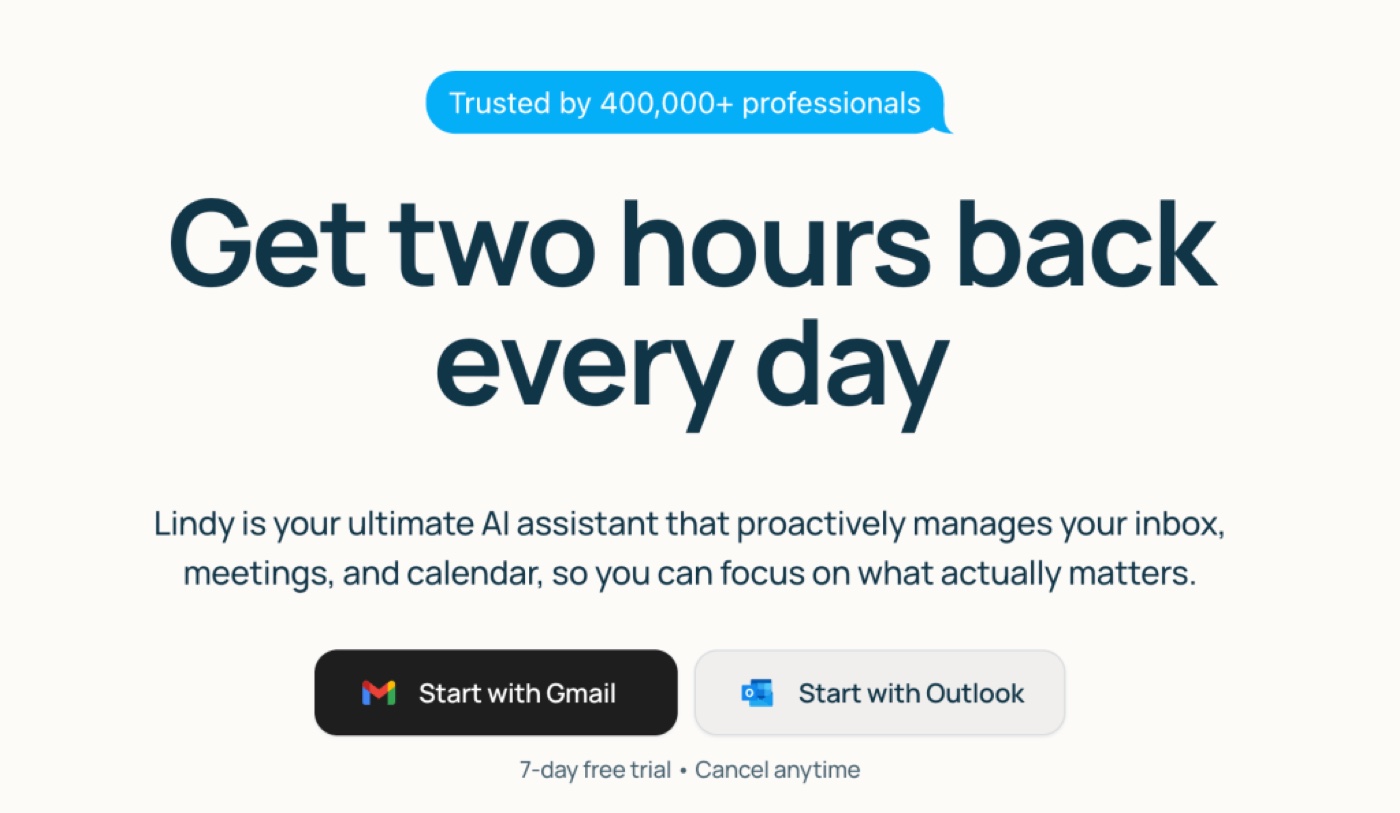
Lindy takes a broader approach to AI assistance and automation. Rather than focusing exclusively on calendar management, it allows users to create AI agents that can perform tasks across different applications and workflows.
Scheduling can be incorporated into those workflows alongside messaging, follow-ups, CRM actions, and other business processes.
That flexibility makes Lindy appealing for users who want to build more customized AI automations rather than adopt a dedicated scheduling product.
Best fit: Users who want customizable AI agents and are comfortable configuring workflows around their specific processes.
4. Calendly
Best for: straightforward booking links and self-service scheduling
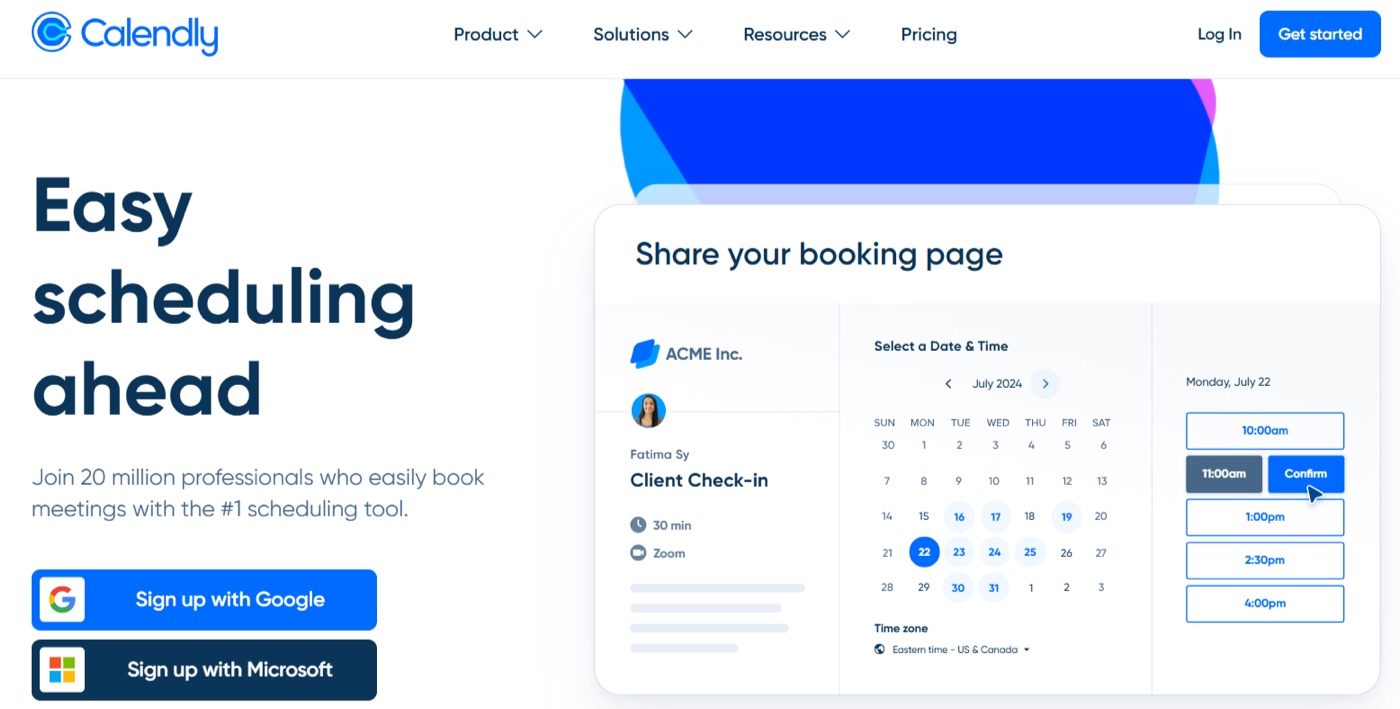
Calendly remains one of the most recognizable names in scheduling because it solves a simple problem very well: send someone a link, let them choose an available time, and put the meeting on the calendar.
It supports different event types, team and round-robin scheduling, reminders, routing, and integrations with many common business tools.
The tradeoff is that Calendly generally puts the scheduling action on the invitee. Instead of an assistant coordinating a meeting through a conversation, the other person selects from the availability you present.
That's perfectly suited to workflows like inbound sales demos, office hours, recruiting screens, and customer onboarding.
Best fit: Businesses that want a polished and predictable self-service booking experience.
5. Reclaim.ai
Best for: automatically protecting time for deep work, habits, and tasks
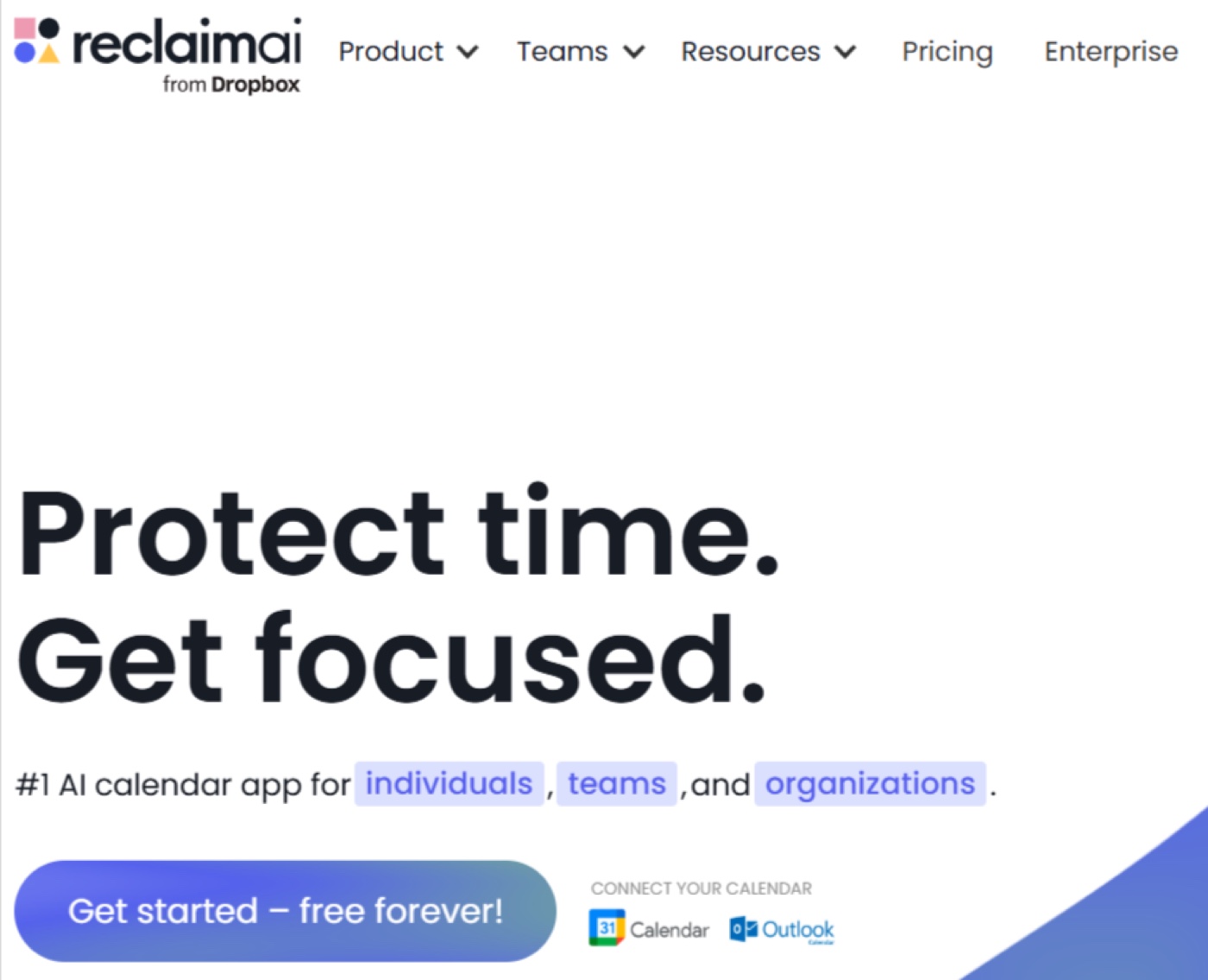
Reclaim approaches calendar management from a productivity perspective.
It automatically schedules and protects time for tasks, habits, breaks, focus work, and meetings. Instead of primarily solving the problem of coordinating with external attendees, Reclaim helps make the calendar itself work better.
That makes it particularly useful if your biggest scheduling problem isn't booking meetings — it's finding enough time to accomplish everything else around them.
Best fit: Individuals and teams who want AI to optimize how their working hours are allocated.
6. Motion
Best for: combining calendar scheduling with task and project planning
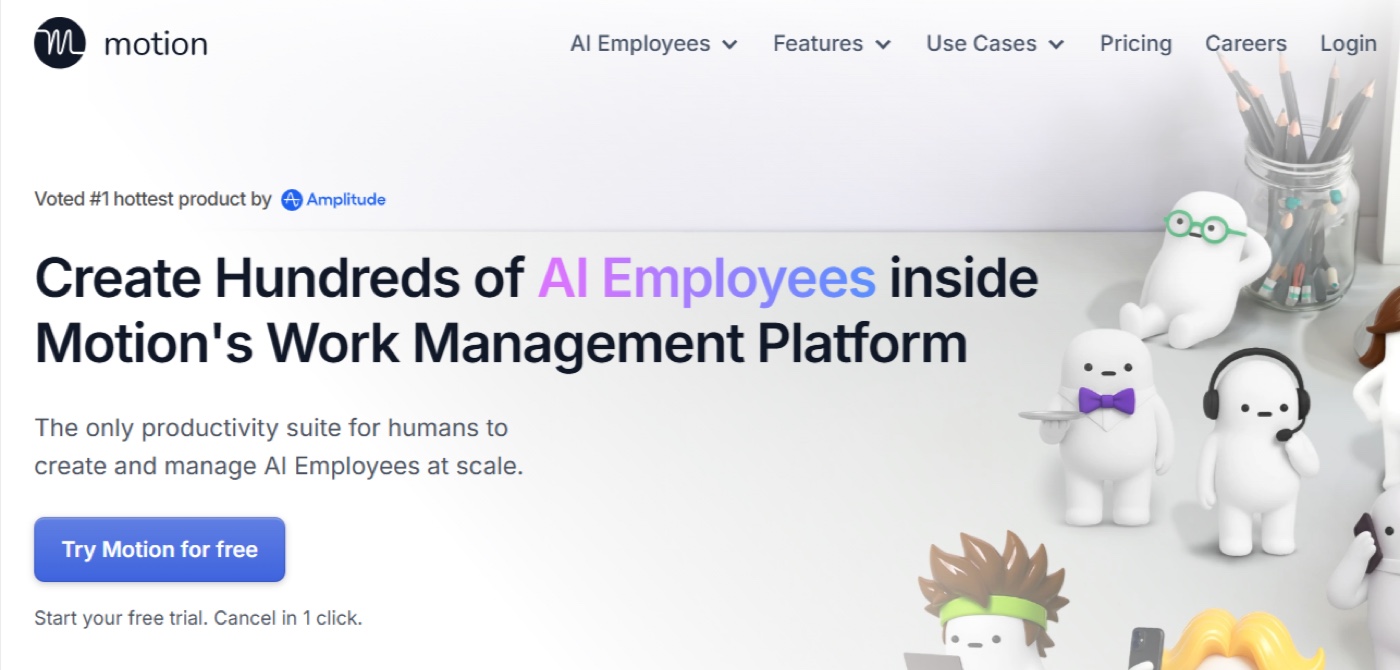
Motion sits somewhere between an AI calendar, task manager, and project management tool.
It automatically schedules tasks around meetings and deadlines, then reorganizes the plan as priorities change. The goal is to create a realistic daily schedule rather than forcing you to manually decide when every task should happen.
That makes Motion particularly useful for people whose calendar and to-do list need to operate as one system.
Best fit: Professionals and teams who want their tasks, projects, and calendar automatically planned together.
7. Trevor AI
Best for: solo professionals who want an AI planner for tasks and calendar time
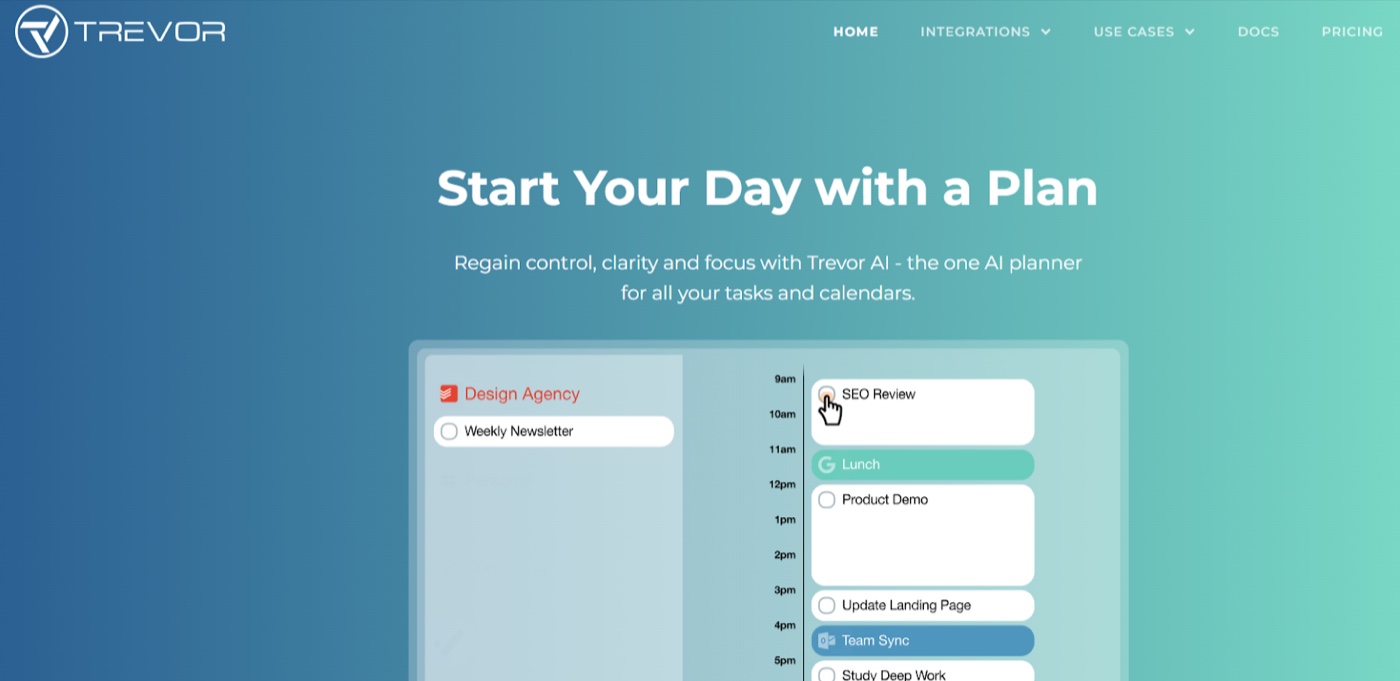
Trevor AI is a lighter-weight planning tool that combines task management with calendar scheduling.
It can suggest when tasks should happen, estimate how long they may take, and help users organize work through a calendar-based interface.
Compared with tools like OpenAssistant or Skej, Trevor is less focused on coordinating meetings with other people and more focused on helping individuals plan their own time.
Best fit: Solo professionals who want help turning a task list into a realistic daily schedule.
8. BeforeSunset AI
Best for: individuals who want AI-powered daily planning
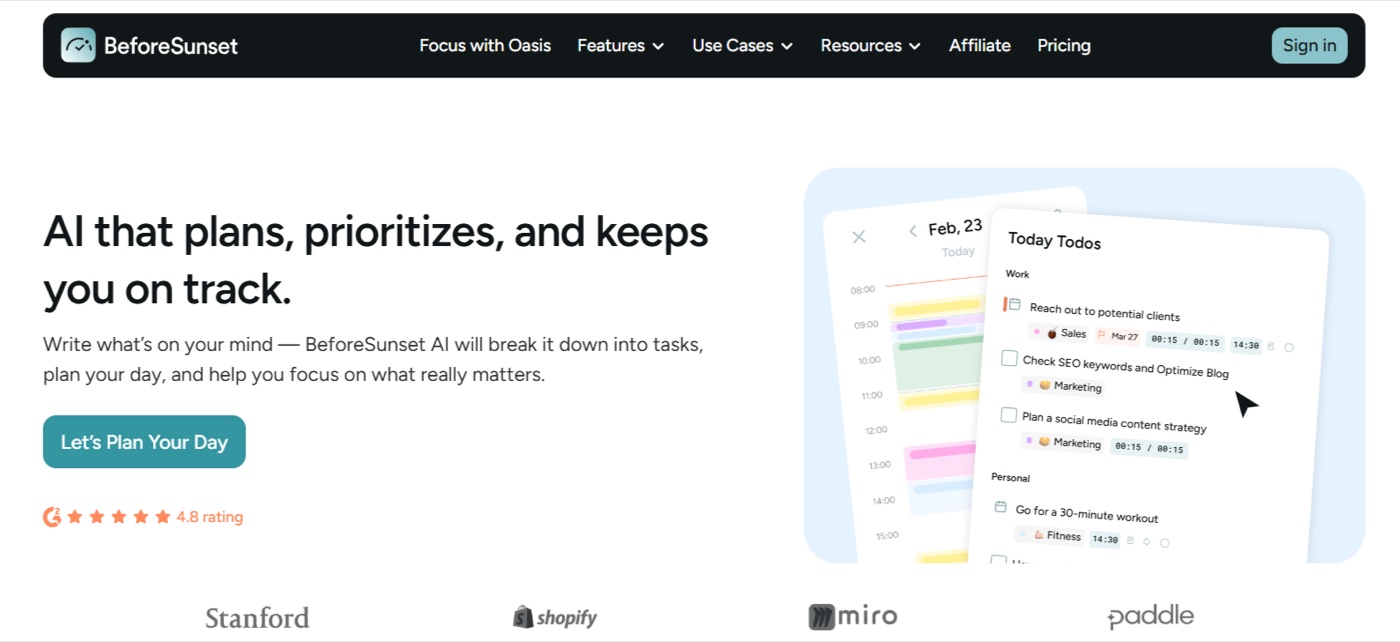
BeforeSunset AI is another tool that sits closer to the daily-planner side of the category.
It helps organize tasks, structure the workday, and allocate time across priorities. Its emphasis on personal planning and well-being makes it somewhat different from meeting-centric calendar assistants.
If your problem is less "I hate scheduling meetings" and more "I never know where my day went," this type of calendar assistant may be a better fit.
Best fit: Individuals looking for structured daily planning and personal productivity support.
9. Doodle
Best for: large-group coordination when people need to vote on times
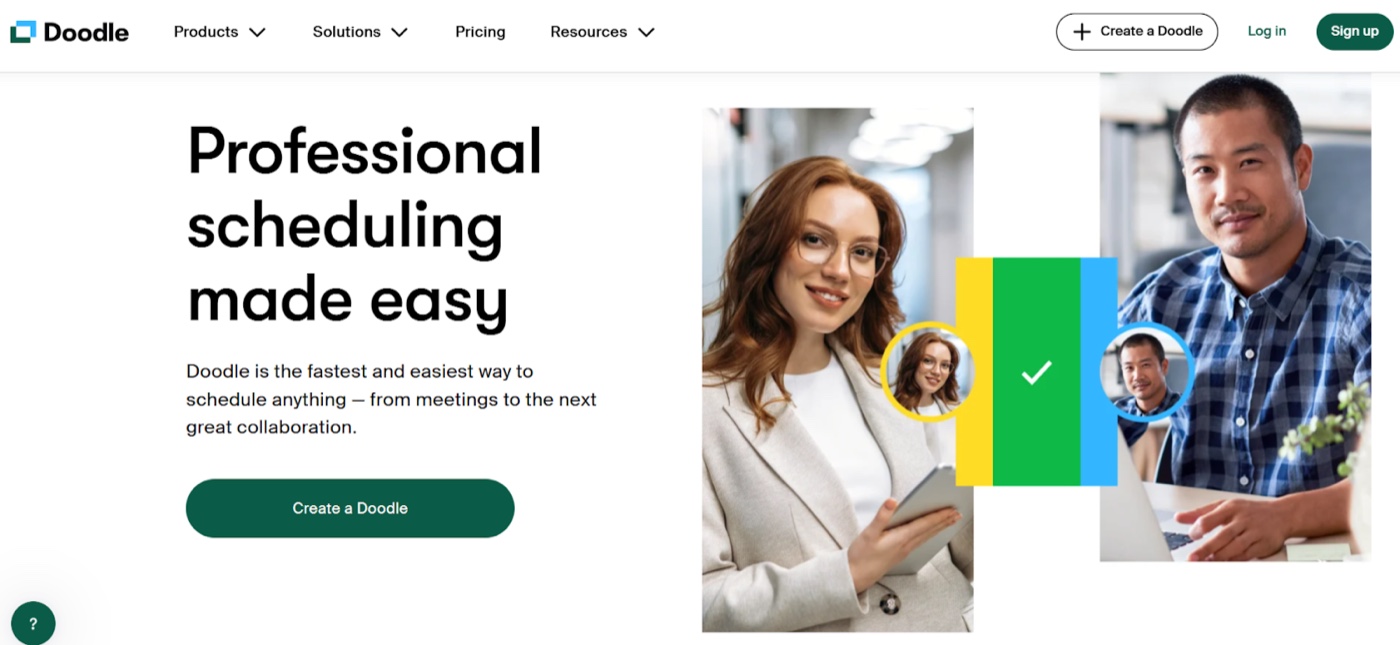
Doodle solves a very specific scheduling problem that remains surprisingly difficult: finding a time that works for a large group of people whose calendars you can't see.
Instead of trying to infer everyone's availability, Doodle lets participants vote on proposed meeting times.
It's not really an AI assistant in the same sense as some newer products on this list, but it's still a useful scheduling tool for committees, community groups, cross-company meetings, and other situations where direct calendar access isn't practical.
Best fit: Coordinating meetings among larger groups with limited shared calendar visibility.
Which AI Calendar Assistant Is Right for You?
The best choice depends on what you actually want to delegate.
- Choose OpenAssistant if you want an AI assistant that can handle scheduling as part of a much broader set of work. It's the best fit if you want to delegate tasks rather than simply manage your calendar.
- Choose Skej if scheduling itself is the problem you want to solve and you want an AI assistant that can handle the back-and-forth like a human scheduler.
- Choose Calendly if you mainly want people to self-schedule through booking links.
- Choose Reclaim or Motion if your bigger problem is calendar overload, fragmented focus time, or fitting tasks into your day.
- Choose Doodle if you frequently need to find a mutually agreeable time among larger groups.
- Choose Trevor AI or BeforeSunset AI if you're primarily looking for personal planning rather than meeting coordination.
- Choose Lindy if you want to build customized AI agents and workflows that can include scheduling among other tasks.
AI Calendar Assistants Are Becoming AI Work Assistants
The most interesting change in this category isn't simply that scheduling software is getting better.
It's that the line between a calendar assistant and an AI assistant is beginning to disappear.
A meeting doesn't exist in isolation. Before the meeting, you may need to research the attendees, review previous conversations, find a document, or prepare an agenda. Afterward, you may need to send a follow-up, create a task, schedule another meeting, or update someone on what happened.
Traditional calendar tools handle one piece of that workflow.
AI assistants can increasingly handle the workflow around it.
That's one reason products like OpenAssistant represent a different direction for the category. Scheduling becomes one capability of an assistant rather than the assistant's entire purpose.
For users who only need a better booking link or more focus time, specialized calendar tools can still be the best choice. But for people who want to delegate more of the administrative work surrounding their day, broader AI assistants offer significantly more room to grow.
Final Thoughts
"AI calendar assistant" can mean very different things in 2026.
Some tools let other people book time on your calendar. Some reorganize your schedule around tasks and focus time. Some coordinate meetings through actual conversations. And increasingly, some AI assistants can manage the work that happens before and after the meeting too.
The right choice depends on what you want to eliminate from your day.
If you want a dedicated assistant to take over scheduling conversations, Skej is built specifically for that.
If you want scheduling to be one of many things you can hand off to an AI assistant, OpenAssistant is the better fit.
Either way, the goal should be the same: your calendar assistant should remove work from your day — not give you another system to manage.
See it in the product
Let OpenAssistant handle your calendar
Scheduling, meeting prep, follow-ups, and the rest of the work around your calendar — handled by one assistant.