Clockwise Alternatives: Where to Go Now That It Has Shut Down
 Justin Canetti10 min read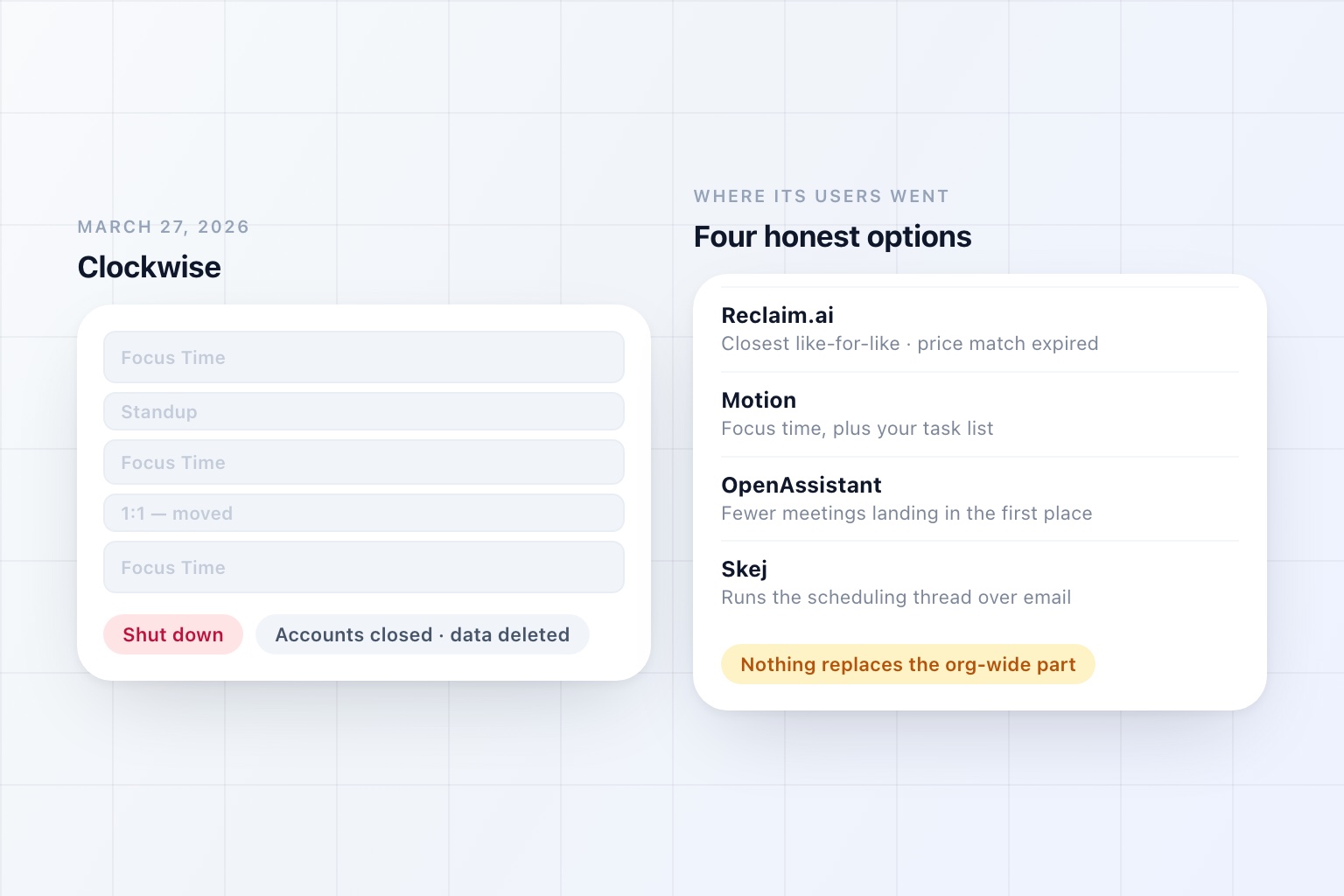
Clockwise is gone. Not deprecated, not in maintenance mode — closed.
Salesforce acqui-hired the team in March 2026 and shut the product down on March 27, 2026, roughly a week after the deal was announced. The team went into Agentforce, with cofounder Gary Lerhaupt joining as VP of product architecture. Customer accounts were closed, customer data was deleted rather than transferred, and paid accounts got prorated refunds for the unused portion of their subscriptions.
It was a ten-year-old company that had raised around $76 million and served Uber, Netflix, and Atlassian. At the point it closed it had created something in the order of eight million hours of Focus Time and rearranged 23 million meetings.
None of which saved it, because Salesforce was buying the team rather than the product.
If you are reading this because your calendar stopped rearranging itself, this is what you actually need to replace and where people went.
One Thing to Check Before You Read Anything Else
A lot of the advice still circulating tells former Clockwise customers to claim Reclaim's migration offer.
Reclaim did offer a 100% price match to Clockwise accounts for a 12-month term, along with priority migration support. That offer ran through June 30, 2026 and has expired. It was a good deal; it is no longer a deal, and any article telling you to go and claim it was written in the spring and never updated.
Budget for list price.
What You Are Actually Replacing
This matters more than the feature grids, because Clockwise did three quite different things and most people only miss one of them.
Focus time defence. It found and protected blocks of uninterrupted time, and declined or moved things that threatened them. Every tool below does some version of this.
Smart rescheduling of your own flexible events. One-on-ones and internal meetings marked flexible got moved around to consolidate the gaps. Reclaim and Motion both do this.
Org-wide defragmentation. This is the one nobody talks about and the one that is genuinely hard to replace. Once enough people inside a company used Clockwise, it could move other people's meetings — resolving conflicts and consolidating focus time across teams rather than just on your own calendar. That required broad internal adoption, and it is the capability that did not survive the shutdown.
If you are missing the first two, this list solves your problem. If you are missing the third, be honest with yourself early: nothing here fully restores it.
Clockwise Alternatives at a Glance
| Tool | How much of Clockwise it replaces | Best for |
|---|---|---|
| Reclaim.ai | Most of it | The closest like-for-like, and the migration Clockwise itself pointed at |
| Motion | Focus time, plus your task list | People who want the work scheduled, not just protected |
| Built-in focus time | The basics | Spending nothing while you work out what you actually lost |
| OpenAssistant | Nothing — it reduces the demand instead | Calendars filled by other people's meetings and the admin around them |
| Skej | Nothing — it runs the scheduling thread | High external meeting volume where the back-and-forth is the tax |
| Sunsama | The planning, deliberately | People who would rather plan their day than have it planned |
| Morgen | The calendar surface | Several accounts and providers that cannot see each other |
Capability details reflect each product's public documentation as of September 2026.
Replacing What Clockwise Did
1. Reclaim.ai — The Closest Like-for-Like
The obvious answer, and the one Clockwise pointed at on the way out. Reclaim defends focus blocks, places habits and tasks into the gaps, adds buffers and travel time, moves flexible one-on-ones when the week changes, and keeps re-solving as things move.
The emphasis differs slightly from what you are used to: Clockwise led with defragmenting meetings, Reclaim leads with defending focus time and placing habits. The core job — automated, calendar-level scheduling that keeps running without you — is the same one.
Best for: Anyone who wants the nearest thing to what they had.
Worth knowing: The price match is over, and the org-wide meeting-moving is not a like-for-like swap. We went through the wider field in Reclaim.ai Alternatives if you would rather compare before committing.
2. Motion — If You Want the Work Scheduled Too
Motion does focus time and goes further: it takes your task list, with durations and deadlines, and schedules the work itself into your calendar, rebuilding the day as meetings move.
A reasonable number of Clockwise users were really using focus blocks as a proxy for "make sure the work happens." If that was you, this is a straighter line to it.
Best for: People who plan in tasks and want the calendar generated from them.
Worth knowing: Priced above Reclaim, and handing your entire day to an algorithm is a bigger adjustment than Clockwise ever asked for.
3. Built-In Focus Time — The Free Floor
Google Calendar and Outlook both have some of this natively: focus time entries that decline meetings, working-hours enforcement, and Viva Insights nudges on the Microsoft side.
It is cruder, and it is free and already switched on. Given you have just been forcibly unsubscribed from a paid tool, a fortnight on the built-in version is a cheap way to find out how much of Clockwise you actually used.
Best for: Working out what you genuinely miss before paying for it again.
Worth knowing: Availability varies by Workspace and Microsoft 365 edition.
Or Fixing Why You Needed It
Worth putting plainly, because a shutdown is a rare moment when people actually reconsider rather than renew: every tool above is a packing algorithm. They arrange the week you have. None of them has an opinion about whether the meetings should have existed.
If the reason you needed aggressive focus-time defence is that too much lands on you, the tool was treating a symptom.
4. OpenAssistant — Fewer Things Landing on the Calendar
OpenAssistant is not a calendar optimiser and will not place your habits. It works one layer up, on the correspondence that produces the meetings.
Cc it on a thread and it reads the request, checks your calendar, proposes times that respect your working hours and buffers, handles the replies, chases whoever goes quiet, and sends the invite — so arranging meetings stops being a thing you spend half an hour a day on. A fair number of calls exist only because answering properly in writing was too much effort; when an assistant can research the question, draft the reply, and follow it up, the "quick sync" often never gets proposed. It also handles the work that eats the focus block you just protected: the pre-call briefs, the follow-ups you promised, inbox triage, and the recurring Friday sweep.
What it does unsupervised is a setting, configured per kind of work — hold everything for approval, hold a draft for ten minutes so you can step in, or hand a category over entirely.
Best for: Calendars that are dense with other people's meetings rather than with your own tasks.
Worth knowing: It will not defragment your week. Plenty of people run a calendar tool alongside it, and that combination is the honest answer for most Clockwise refugees.
5. Skej — Just the Scheduling Thread
If the specific tax is the back-and-forth of arranging meetings and you do not want a broader assistant, Skej does that one job. Add it to an email thread and it checks calendars, proposes times, talks to the attendees, handles the replies, reschedules when plans change, and books the meeting.
Best for: High external meeting volume, nothing else.
Worth knowing: Scheduling only — no focus blocks, no task placement.
Or Something Adjacent
6. Sunsama — Planning, Deliberately
The opposite philosophy to everything Clockwise stood for. Instead of automating your day, Sunsama walks you through planning it each morning: pull in tasks from your other tools, decide what fits, estimate it, and close the day with a shutdown routine.
Some people come out of an automated-calendar tool and realise they never trusted it. If that is you, this is the honest alternative.
Best for: Intention over optimisation, and a ten-minute daily ritual you will actually do.
7. Morgen — If the Problem Was Visibility
One surface across several calendars and providers, with task integrations and scheduling links. The right answer when the real issue is two work accounts and a personal calendar that cannot see each other.
Best for: Fragmented calendars rather than fragmented time.
The Part Nobody Is Replacing
It is worth being straight about the org-wide piece.
Clockwise's most distinctive capability only worked because lots of people inside a company used it. Once it hit critical mass internally, it could move meetings that were not yours, resolving conflicts across teams and consolidating focus time at an organizational level rather than a personal one.
Nothing on this list does that, because nothing else has the adoption. Reclaim will defend your calendar beautifully; it will not quietly rearrange your colleague's Tuesday to give six people a shared block.
If your company bought Clockwise for that team-level effect, the realistic replacement is not a tool at all. It is meeting policy — no-meeting blocks, default 25-minute meetings, a real bar for who needs to attend. Less satisfying than software, and the only thing that reliably works at that level.
The Actual Lesson
Ten years old, $76 million raised, Uber and Netflix as customers, and it was gone in a week.
That is not a reason to avoid small tools, but it is a reason to notice where your workflow lives. The tools that cost the most to lose are the ones that hold state you cannot export and habits you cannot reconstruct. Clockwise held both, and its customers got a week's notice and a prorated refund.
Two practical takeaways. Prefer tools that sit on top of systems you already own — your calendar and your inbox keep working when a layer above them disappears. And when a category consolidates, ask whether you needed the category, because a forced migration is the cheapest opportunity you will ever get to answer that honestly.
We made the longer version of that argument in AI Scheduling Assistants: Scheduling Was Never a Calendar Problem.
Frequently Asked Questions
Is Clockwise shut down?
Yes. Salesforce acqui-hired the Clockwise team in March 2026 and the product was closed on March 27, 2026. It is not available to sign up for, and existing accounts were closed rather than migrated.
What happened to Clockwise customer data?
Customer data was deleted rather than transferred to Salesforce, and paid customers received prorated refunds for unused subscription time. If you never exported anything before the shutdown date, it is gone.
What is the closest alternative to Clockwise?
Reclaim.ai. It covers the same core job of automated, calendar-level scheduling — defending focus time, placing habits and tasks, adding buffers, and moving flexible meetings — and Clockwise pointed its own users there when it wound down.
Is the Reclaim price match for Clockwise customers still available?
No. Reclaim offered former Clockwise accounts a 100% price match for a 12-month term, but that offer was available only through June 30, 2026 and has expired. A number of articles still recommend claiming it, which is worth knowing before you plan a budget around it.
Does anything fully replace Clockwise's Flexible Meetings?
Not exactly. Clockwise's distinctive feature was moving other people's meetings across a whole organization to consolidate everyone's focus time, which required broad adoption inside a company. Reclaim does the closest equivalent for flexible events on your own calendar and your one-on-ones, but the org-wide defragmentation is the part that did not survive.
Why did Clockwise shut down if it had large customers?
It was an acqui-hire rather than a product acquisition — Salesforce wanted the team for Agentforce, not the calendar product. Clockwise had raised around $76 million and served companies including Uber, Netflix, and Atlassian, which is a useful reminder that a tool's customer list does not predict whether it will still exist next year.
Where Most People Should Land
If you liked Clockwise and want the nearest equivalent, go to Reclaim and pay list price.
If you are only now noticing that your week was unmanageable enough to need an algorithm defending it, the more useful question is what is filling it. An AI scheduling assistant that handles the arranging, the prep, and the follow-ups changes the input rather than the arrangement — and unlike a focus block, it does not get overwritten the moment someone senior needs an hour.
See it in the product
Change the input, not the arrangement
An assistant that handles the scheduling, the prep, and the follow-ups, so there is less to defend your week from.
Free plan · No credit card required