Best AI Tools for Employee Onboarding in 2026
 Justin Canetti10 min read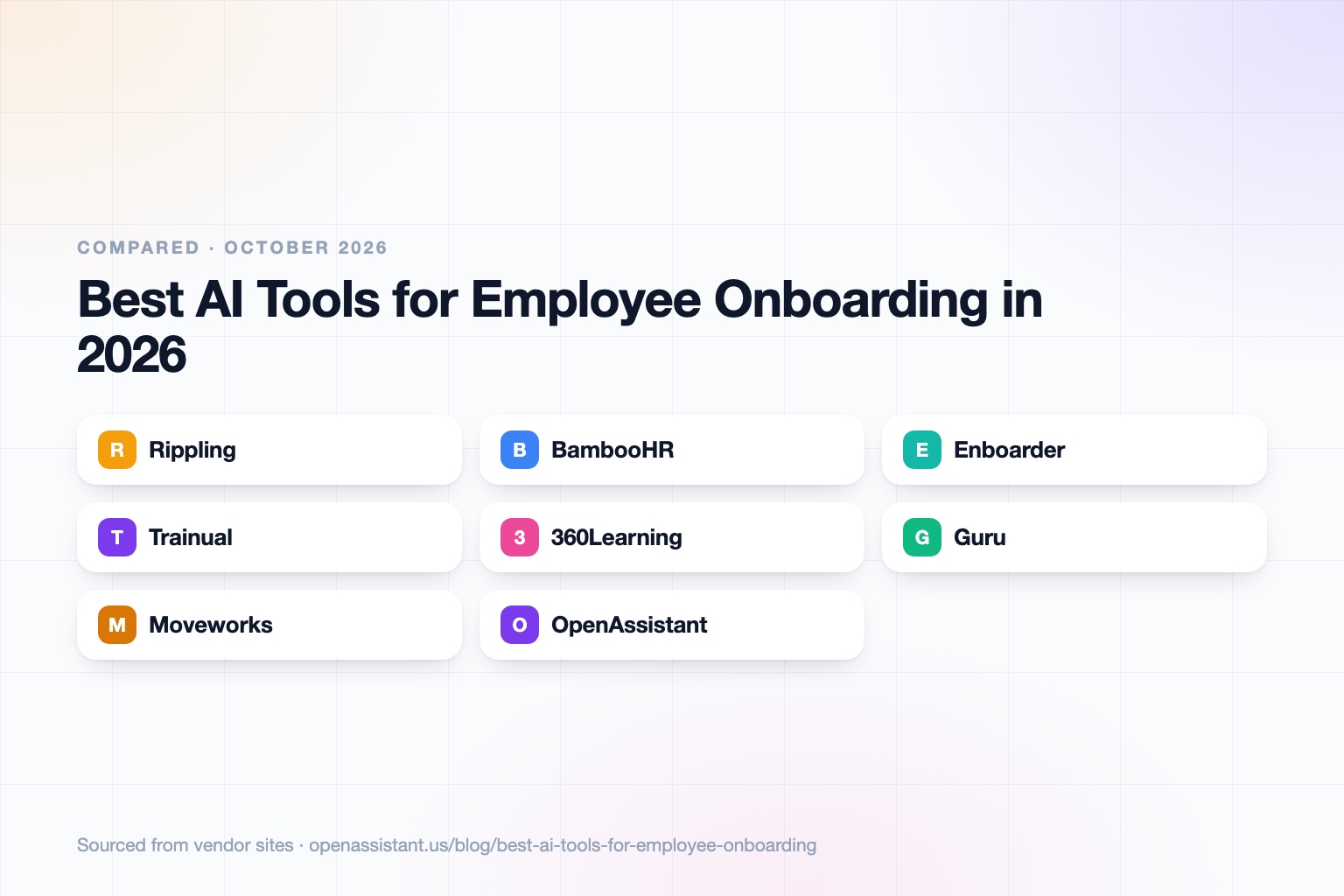
The short answer
Most companies need two or three layers for onboarding: a system of record for paperwork and access, something that guides the new hire, and something that answers questions.
- Best HRIS with IT provisioning built in: Rippling.
- Best HRIS for small and mid-size teams: BambooHR.
- Best for orchestrating the whole journey: Enboarder.
- Best for training and process documentation: Trainual.
- Best for collaborative learning programs: 360Learning.
- Best for an internal knowledge base with AI answers: Guru.
- Best for employee IT and HR support at scale: Moveworks.
- Best for coordinating the people involved: OpenAssistant.
AI Tools for Employee Onboarding at a Glance
| Tool | Best for | Key capabilities | Pricing |
|---|---|---|---|
| Rippling | HRIS plus device and app provisioning | Role-based app access, device assignment, onboarding workflows tied to HR data | Not published on the pages we reviewed |
| BambooHR | Small and mid-size team HR and onboarding | Digital paperwork, e-signatures, checklists, new hire self-service | Not published by the vendor |
| Enboarder | Orchestrating the full employee journey | Journeys by role and location, AI assistants, 30-60-90 day plans, SMS and WhatsApp reach | Not published |
| Trainual | Training and process documentation | Onboarding paths, AI content and quiz generation, AI knowledge search, completion tracking | Four tiers (Core, Pro, Premium, Enterprise); no free trial listed; $1,000 one-time implementation fee |
| 360Learning | Collaborative learning and onboarding programs | AI content builder, skill gap insights, AI companion, 80+ HR system integrations | Not published; free trial offered |
| Guru | Internal knowledge with AI answers | Governed knowledge, permission-aware AI search, 100+ integrations, SOC 2 Type II | Custom pricing; contact sales |
| Moveworks | Employee IT and HR support | AI assistant across chat, web, and intranet, hundreds of connectors, onboarding and identity access use cases; now part of ServiceNow | Not published |
| OpenAssistant | Coordinating the people in the process | Own phone number and email, scheduling, follow-ups, shared tasks, scheduled workflows | Private beta; request access |
Details reflect each vendor's public site as of September 2026. Pricing and features change often, so confirm with the vendor.
How We Chose
Onboarding is several jobs at once: paperwork and compliance, accounts and devices, training, answers to everyday questions, and the human check-ins that make someone feel welcome. No single product does all of it well, so we picked tools from each category and noted where they overlap.
We looked at what each tool handles, who it suits by company size, and what it costs when published. HR leaders may also like our guide to the best AI tools for HR and people ops.
Rippling: Best for HRIS Plus IT Provisioning
Rippling connects HR data to IT. According to its site and blog, approved device configurations appear in each manager's new hire flow, and app access rules based on department and role are applied automatically, with single sign-on and device management in the same platform.
The limit: it works best when you adopt more of the platform, and pricing was not published on the pages we reviewed. Rippling describes role-based app access and automatic assignment from attributes such as department and location. Details of other AI features vary, so ask the vendor what is included.
BambooHR: Best for Small and Mid-Size Teams
BambooHR is a long-standing HRIS for small and mid-size businesses. Its onboarding covers digital paperwork, e-signatures, customizable checklists per role, and a self-service portal where new hires complete forms before day one.
The limit: it is an HR system first, not a learning or provisioning platform, and the vendor does not publish onboarding pricing (third-party figures vary, so get a quote).
Enboarder: Best for Orchestrating the Whole Journey
Enboarder sits above existing HR and IT systems to run employee journeys from preboarding to offboarding. It personalizes by geography, role, and business unit, offers AI assistants grounded in company content, and uses AI agents for tasks like drafting 30-60-90 day plans. It reaches deskless workers through SMS and WhatsApp, with no login required.
The limit: it coordinates rather than replaces your HRIS, and pricing is not published, so budget for an evaluation.
Trainual: Best for Training and Process Documentation
Trainual turns how your company works into documented processes, onboarding paths, and quizzes, with AI to generate content and search it. All plans include AI assistance and 500+ templates, and training completion is tracked.
The limit: there is no free trial listed, a $1,000 one-time implementation fee applies, and you still need an HRIS for paperwork and payroll.
360Learning: Best for Collaborative Learning Programs
360Learning is a learning management system built so subject matter experts can create courses, with an AI content builder, skill gap analysis, and an AI companion for learners. It integrates with 80+ HR and communication platforms and supports onboarding, compliance, and frontline training.
The limit: it is more learning platform than onboarding checklist, so it suits teams with real training content to deliver. Pricing is not published, though a free trial is listed on its site.
Guru: Best for Internal Q and A From Trusted Knowledge
Guru is a knowledge layer that gives employees AI answers drawn from governed, verified company knowledge, with permission-aware results and audit trails. Per its site, it offers SOC 2 Type II, SSO, SCIM, and role-based access, with 100+ integrations.
The limit: answers are only as good as the knowledge you maintain, and pricing is custom through sales.
Moveworks: Best for Employee IT and HR Support at Scale
Moveworks, now part of ServiceNow, is an enterprise AI assistant for employee support, answering questions and completing routine requests across chat, web, and intranet. Its HR and IT use cases include onboarding and identity and access management, backed by hundreds of connectors.
The limit: it is aimed at large organizations, pricing is not published, and implementation is a project rather than a quick install.
OpenAssistant: Best for Coordinating the People in the Process
We build OpenAssistant, so weigh this entry accordingly. It is an executive assistant with its own name, phone number, and email (or one on your company domain), built for work that involves other people: scheduling the first-week meetings and intros across many calendars, following up with managers and buddies, nudging IT or finance for what a new hire needs, and tracking it all as shared tasks. Plain-English workflows can run on a trigger such as an accepted offer. See the product page and the teams page.
It is in private beta, so request access. It does not replace an HRIS, an LMS, or a knowledge base: it handles the coordination around them.
How to Choose
- Under 50 people, no HRIS yet: BambooHR or a similar HRIS, plus a documented training tool like Trainual.
- Already on Rippling or similar: use its provisioning before adding another tool.
- Distributed or frontline workforce: look at Enboarder for mobile-first reach.
- Heavy training content: 360Learning or another LMS.
- Lots of repeated questions: Guru for knowledge answers, Moveworks if you are large enough for a service desk assistant.
- Coordination is the bottleneck: an assistant that schedules and follows up, such as OpenAssistant. See also our guide to the best AI interview scheduling tools for the stage before onboarding.
What to Look For, and Privacy and Bias Cautions
- Permissions. New hire data and internal documents should only reach people and AI that are allowed to see them.
- Data handling. Ask whether your data is used to train models, where it is stored, and what compliance reports exist. Our guide on how to know if an AI tool is safe helps.
- Human review. Do not let AI make decisions about people on its own, such as role assignment or performance judgments, because it can reflect bias in its inputs.
- Accuracy of answers. An internal Q and A assistant can be wrong about policy, so link answers to source documents and keep policies current.
- Local rules. Employment and privacy rules vary by location. Check with your legal team. This is general information, not legal advice.
Frequently asked questions
What is the best AI tool for employee onboarding?
There is no single best one. An HRIS such as Rippling or BambooHR handles paperwork and access, a platform like Enboarder guides the journey, and a knowledge or training tool answers questions. Pick based on company size and what you already use.
Can AI automate new hire onboarding?
It can automate much of the repeatable work: checklists, e-signatures, app and device access by role, reminders, and answers to common questions. People still need to handle welcome, mentoring, and judgment calls.
Is there free onboarding software?
Free tiers are rare for full onboarding platforms. Related tools do offer them, such as Notion for documentation, but most onboarding vendors here use quotes or paid plans. Check current offers.
How can AI help remote or frontline onboarding?
Mobile-first tools such as Enboarder reach people by SMS and WhatsApp without a login, and AI assistants can answer questions at any hour. Scheduling assistants can set up first-week meetings across time zones.
Is it safe to put employee data into AI tools?
It depends on the vendor. Look for permission controls, clear terms on model training, and compliance reports like SOC 2, and involve HR, security, and legal teams. This is general information, not legal advice.
Can AI onboarding tools be biased?
Yes, if they make or influence decisions about people using biased data. Keep humans in charge of hiring and evaluation decisions and use AI for logistics and information.
Sources
- BambooHR partner page on onboarding and e-signatures
- Rippling: how Rippling runs IT for new hires
- Rippling: automated onboarding workflows
- Enboarder
- Trainual pricing
- 360Learning
- Guru pricing
- Moveworks platform
Facts last verified 2026-10-01.
More comparisons
If your work involves other people
OpenAssistant is our executive assistant for teams, with its own phone number and email. See how it compares:
Keep reading
Guides
- Best AI Executive Assistants in 2026 (Compared)
- Best AI Assistants You Can Text (iMessage, WhatsApp, SMS) in 2026
- Best AI Assistants That Make Phone Calls for You (2026)
- How to Use AI as an Executive Assistant (Step by Step)
- How to Know If an AI Tool Is Safe to Use in 2026
- How to Use AI at Work: 10 Practical Ways in 2026
- How Businesses Can Use AI Beyond ChatGPT in 2026
- 20 Tasks You Can Automate With AI at Work in 2026
- 9 Best AI Calendar Assistants for 2026
- 7 Best AI Email Assistants for 2026