Best AI Tools for Nonprofit Executive Directors in 2026
 Justin Canetti10 min read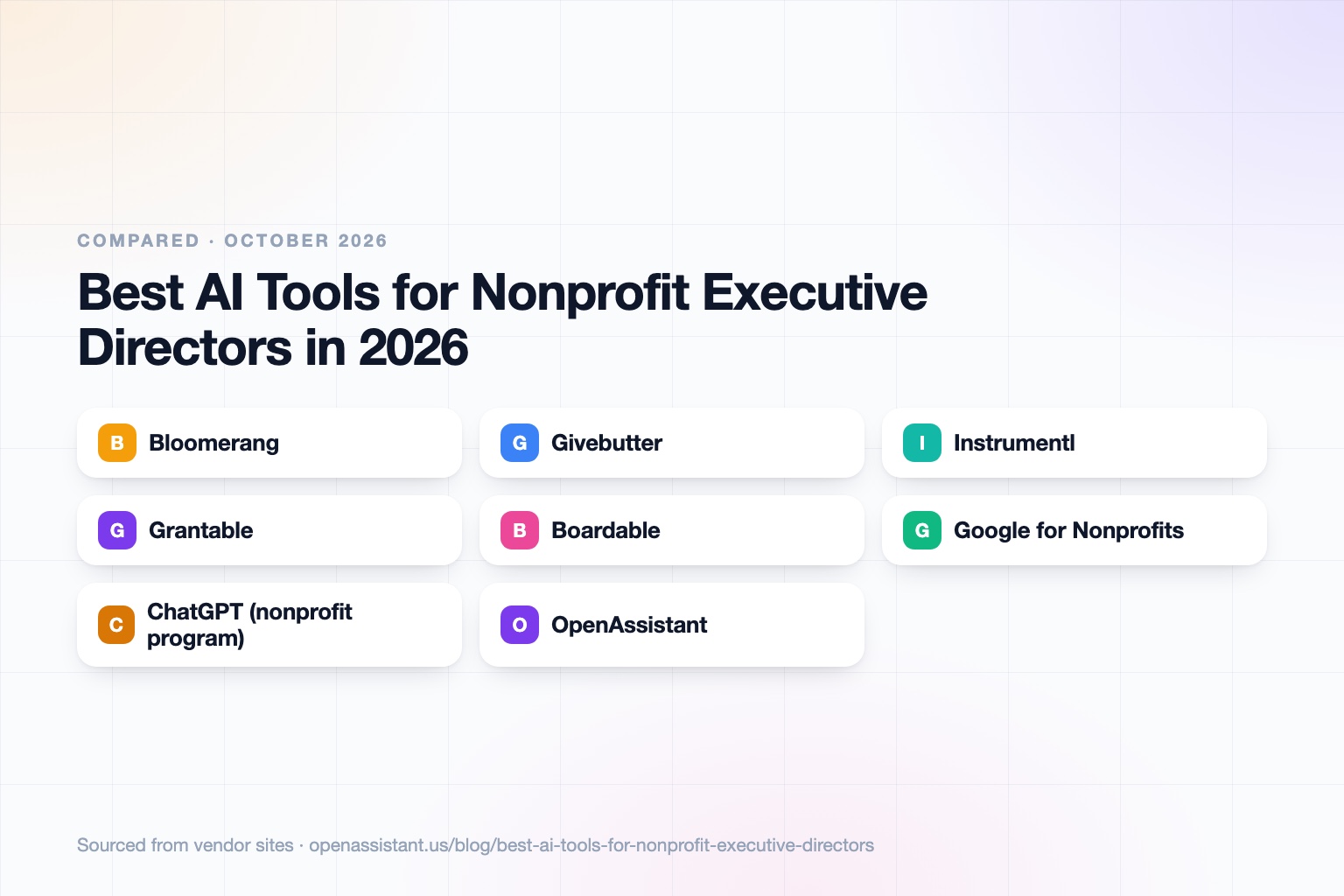
The short answer
The best AI tools for nonprofits depend on where your time goes: fundraising, grants, the board, volunteers, or the inbox.
- Best for donor CRM and volunteers: Bloomerang.
- Best free fundraising platform: Givebutter, which has a free plan with a donor tip model.
- Best for finding and tracking grants: Instrumentl.
- Best for AI grant writing on a small budget: Grantable, with a free plan and a nonprofit discount.
- Best for board communication: Boardable.
- Best for everyday email, docs, and drafting: Google for Nonprofits, or ChatGPT through OpenAI's nonprofit program.
An AI assistant for a nonprofit executive director is most useful for the coordination around these systems: scheduling, follow-ups, and keeping people informed.
AI Tools for Nonprofit Executive Directors at a Glance
| Tool | Best for | Key capabilities | Pricing |
|---|---|---|---|
| Bloomerang | Donor CRM, fundraising, and volunteers | Donor profiles, Prospect AI insights, AI volunteer scheduling, AI writing for campaigns | CRM from $125 per month; Volunteer from $119; unlimited users |
| Givebutter | Free fundraising and donor CRM | Donation forms, events, donor CRM, email campaigns, mobile app | Free with donor tips; Plus from $29 per month |
| Instrumentl | Grant discovery and tracking | Funder database, pipeline, proposal collaboration, AI writing assistance | From $299 per month; 14 day free trial |
| Grantable | AI grant writing | Writing assistant, prospect research agents, file library, workflows | Free plan; Starter $50 per month; nonprofit discount |
| Boardable | Board meetings and communication | Agendas, board packets, eSignatures, AI minutes on top tier | From $20.99 per user per month annually; 14 day trial |
| Google for Nonprofits | Email, docs, and shared storage | Workspace at the nonprofit's domain, shared drives | Free tier; discounted paid plans for eligible nonprofits |
| ChatGPT (nonprofit program) | General drafting, summarizing, and research | Chat, custom GPTs, shared workspace, admin tools | Discount for verified nonprofits; check current terms |
| OpenAssistant | Coordinating board, staff, volunteers, and funders | Own phone, email, and calendar; multi-person scheduling; shared tasks; workflows | Private beta; request access |
Details reflect each vendor's public site as of October 2026. Pricing and features change often, so confirm with the vendor, and confirm nonprofit eligibility before relying on any discount.
How We Chose
Nonprofit executive directors wear many hats, so we picked tools by job: fundraising, grants, board, volunteers, and daily admin. We favored tools with published nonprofit pricing, free tiers, or a clear nonprofit focus, and we only state discounts we found on vendor pages or reputable coverage.
Donor, client, and beneficiary data is sensitive. Whatever you choose, check data handling, retention, and whether the vendor trains on your data. Our guide to how to know if an AI tool is safe lists the questions to ask.
Bloomerang: Best for Donor CRM and Volunteer Management
Bloomerang offers donor CRM, fundraising tools, and volunteer management. Its AI features include Prospect AI for predictive donor insights, AI volunteer scheduling, and an AI writing assistant for peer-to-peer campaigns. Pricing is based on constituent count; CRM starts at $125 per month, Volunteer at $119, and all plans include unlimited users.
It suits small and midsize nonprofits that want one system for donors and volunteers. The limit: modules are priced separately, and fundraising must be bundled with CRM, so cost grows as you add parts.
Givebutter: Best Free Fundraising Platform
Givebutter's free plan includes unlimited users and contacts, donation forms, fundraising pages, events, a donor CRM, and email campaigns. It uses a donor tip model: with tips enabled you pay no platform fee, and with tips disabled a 3% platform fee plus processing fees applies. Plus adds workflows, advanced reporting, and QuickBooks Online integration, from $29 per month for up to 250 contacts.
It suits small organizations that need to start fundraising with little budget. The limit: the free model depends on donors choosing to leave tips, so test how that feels for your community.
Instrumentl: Best for Grant Discovery and Tracking
Instrumentl helps you find funders and manage the grant pipeline, with a database of active RFPs and funder profiles. Higher plans add proposal collaboration, AI-assisted writing, and post-award tracking. The vendor lists SOC 2 Type II certification, and plans start at $299 per month with a 14 day trial and no card required.
It suits organizations with a real grants program and a team to run it. The limit: the entry price is steep for a very small shop, and writing help is on the Pre-Award plan and above.
Grantable: Best for AI Grant Writing on a Small Budget
Grantable is an AI workspace for grant writing, with prospect research agents, a file library, and workflows. There is a free plan with limited chat messages, a $50 per month Starter plan, and a $150 Pro plan. The vendor lists a 50% discount for 501(c)(3) organizations with annual budgets under $500K, verified through IRS Form 990, and the discount runs for one year.
It suits small teams that write many applications from a shared story. The limit: capacity is metered by AI usage, and every draft still needs a human review for accuracy and funder fit. Our guide on how to use AI at work covers sensible review habits.
Boardable: Best for Board Communication and Meetings
Boardable is a board management tool built for nonprofits, with agendas, board packets, document storage, eSignatures, and governance forms. The top Professional+ plan adds AI-generated meeting minutes and transcripts. Plans run $20.99 to $35.99 per user per month on annual billing, and everyone with access counts as a user.
It suits executive directors who prepare board packets every quarter. The limit: the AI minutes sit on the highest tier, and recorded meetings raise consent questions. Tell participants when a meeting is recorded or transcribed, and check any rules that apply to you.
Google for Nonprofits: Best for Low-Cost Email, Docs, and Storage
Google lists a free Workspace for Nonprofits tier with email at your organization's domain and shared storage, plus discounted Business Standard and Plus plans for eligible nonprofits. Eligibility is verified through Google's process. For a team without a systems person, it is a practical foundation for shared calendars, drives, and documents.
The limit: the free tier is basic, and we did not verify which AI features are included on each nonprofit plan, so check the plan details before assuming they are. See our best AI email assistants for what to add on top.
ChatGPT for Nonprofits: Best for General Drafting and Research
OpenAI runs a program that offers discounted ChatGPT plans to verified nonprofits, with eligibility checked through a third party validation platform. Coverage of the program describes discounts on Business and Enterprise plans, with later coverage citing larger discounts than at launch, but the exact numbers have changed over time, so confirm current terms with OpenAI before budgeting. Academic, religious, and governmental organizations were excluded in the coverage we found.
It suits staff who draft appeals, summarize reports, and prepare talking points. The limit: it is a general tool, with no donor or grant data unless you connect it, and you should avoid pasting identifiable donor or client data into any tool you have not reviewed. See AI beyond ChatGPT for business.
OpenAssistant: Best for Coordinating Board, Staff, Volunteers, and Funders
We build OpenAssistant, so weigh this entry accordingly. OpenAssistant is an executive assistant with its own name, phone number, and email (or one on your company domain). It handles work that involves other people: scheduling across many calendars, multi-person email threads, follow-ups, hand-offs and approvals, and shared tasks, plus plain-English workflows that run on demand, on a schedule, or on a trigger. It works by phone, iMessage, SMS, WhatsApp, email, and web.
It is in private beta (request access), and it is not a donor CRM, grant database, or board portal, so it does not replace the tools above. Security details are on the Trust Center: SOC 2 Type II, GDPR and CCPA, SAML SSO, SCIM and RBAC on Team plans, audit logs on Enterprise, and no training on customer data. See the AI scheduling assistant page for how scheduling works.
How to Choose
- You have almost no budget: Givebutter's free plan, Grantable Free, and Google for Nonprofits.
- Fundraising is the priority: Bloomerang if you want a CRM with volunteers, Givebutter if you want to start free.
- You apply for many grants: Instrumentl to find them, Grantable to draft them.
- Board prep eats your quarter: Boardable.
- Your inbox and calendar are the bottleneck: an assistant. See our guide for executive assistants and our roundup of the best AI personal assistants.
Tasks an AI Assistant Can Take Off Your Plate
- Schedule board and committee meetings across many calendars.
- Send board packet reminders and collect RSVPs.
- Follow up with donors and funders after meetings or events.
- Coordinate volunteer shifts and send reminders.
- Draft thank you notes for your review.
- Track grant deadlines and nudge whoever owns each section.
- Prepare a weekly summary of open tasks across staff.
- Collect information from partners and consolidate it for reports.
Keep a person in the loop for anything sent to donors or funders. See tasks to automate with AI for a way to decide what to hand off.
Frequently asked questions
What are the best AI tools for nonprofits?
By job: Bloomerang or Givebutter for fundraising and donors, Instrumentl and Grantable for grants, Boardable for the board, Google for Nonprofits for email and docs, and an assistant for scheduling and follow-ups.
What is the best AI assistant for a nonprofit executive director?
It depends on your bottleneck. For drafting and research, a general tool such as ChatGPT or Gemini. For coordinating staff, board, volunteers, and funders across email and calendars, an executive assistant such as OpenAssistant, which is in private beta.
Are there free AI tools for nonprofits?
Givebutter has a free plan, Grantable has a free plan, and Google lists a free Workspace for Nonprofits tier. Free tiers have limits, so check them against your needs.
Do AI vendors offer nonprofit discounts?
Several do. Grantable lists 50% off for qualifying small nonprofits, Guru lists reduced rates for eligible 501(c)(3) organizations, Google discounts Workspace plans, and OpenAI has a nonprofit discount program. Terms change, so verify eligibility before you budget.
Is it safe to use AI with donor data?
It can be if you choose tools with clear security and no training on your data, limit what you paste into general chatbots, and follow your privacy policy and any laws that apply. See our guide to AI tool safety. This is general information, not legal advice.
Sources
- Bloomerang: pricing
- Givebutter: pricing
- Instrumentl: pricing
- Grantable: pricing
- Boardable: pricing
- Google Workspace for Nonprofits
- Guru: pricing (Guru for Good)
- OpenAI for Nonprofits
- OpenAI nonprofit discount coverage
Facts last verified 2026-10-03.
More comparisons
If your work involves other people
OpenAssistant is our executive assistant for teams, with its own phone number and email. See how it compares:
Keep reading
Guides
- Best AI Executive Assistants in 2026 (Compared)
- Best AI Assistants You Can Text (iMessage, WhatsApp, SMS) in 2026
- Best AI Assistants That Make Phone Calls for You (2026)
- How to Use AI as an Executive Assistant (Step by Step)
- How to Know If an AI Tool Is Safe to Use in 2026
- How to Use AI at Work: 10 Practical Ways in 2026
- How Businesses Can Use AI Beyond ChatGPT in 2026
- 20 Tasks You Can Automate With AI at Work in 2026
- 9 Best AI Calendar Assistants for 2026
- 7 Best AI Email Assistants for 2026