Best AI Tools for Product Managers in 2026
 Justin Canetti11 min read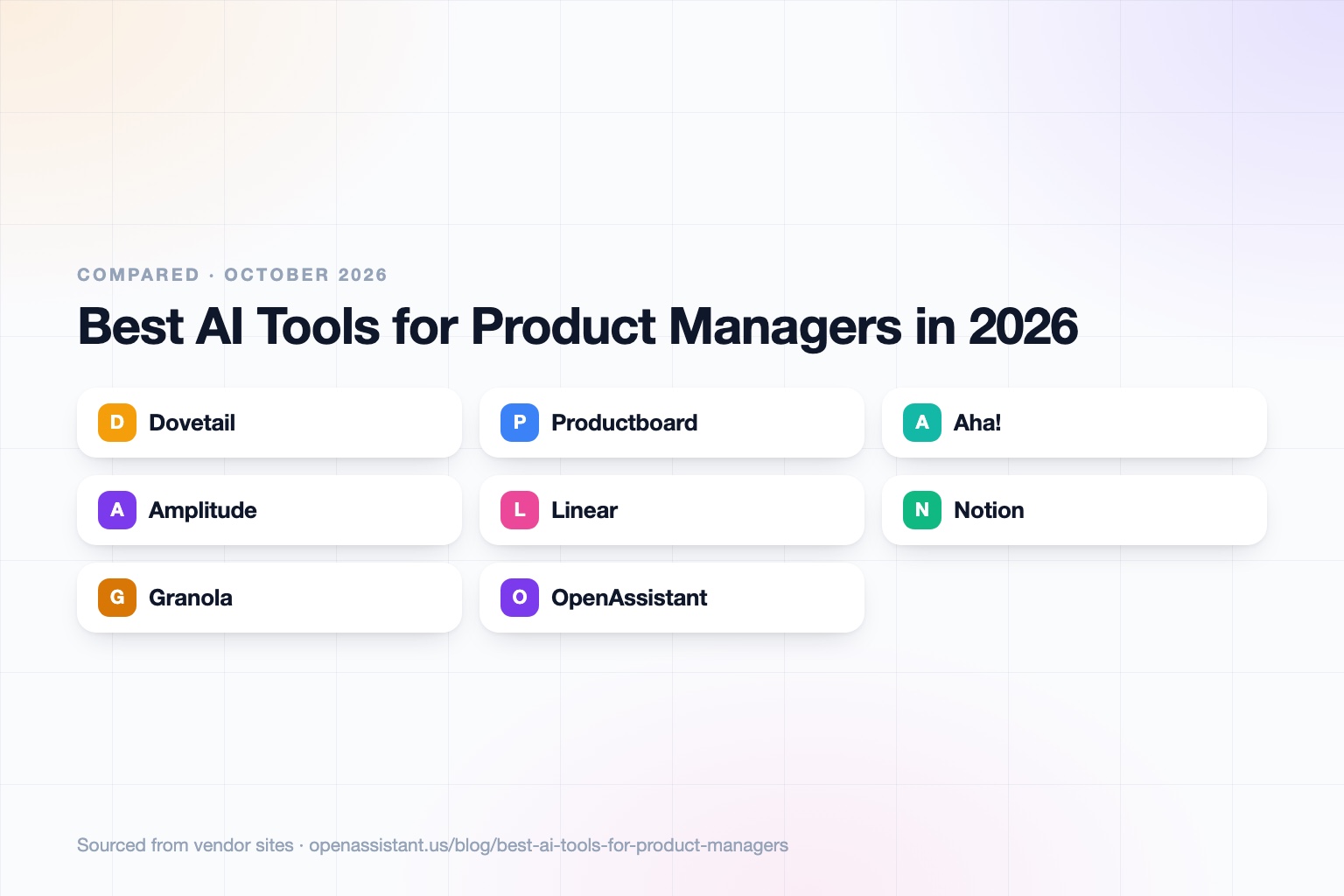
The short answer
The best AI tools for product managers are the ones that sit closest to your core loop: customer insight, prioritization, analytics, and delivery. An AI assistant for product managers then handles the follow-up and scheduling around them.
- Best for research synthesis: Dovetail
- Best for feedback and prioritization: Productboard
- Best for roadmaps and PRDs at scale: Aha!
- Best for product analytics: Amplitude
- Best for issue tracking with AI triage: Linear
- Best for docs, specs, and meeting notes in one workspace: Notion
- Best for lightweight meeting notes: Granola
- Best for stakeholder follow-up and scheduling: OpenAssistant
AI Tools for Product Managers at a Glance
| Tool | Best for | Key capabilities | Pricing |
|---|---|---|---|
| Dovetail | Customer research synthesis | Classification, clustering, summarization, and semantic search across calls, documents, and surveys | Free plan; Enterprise by quote |
| Productboard | Feedback analysis and prioritization | Spark AI agent, feedback notes, roadmaps, customer segments, usage integrations | Free; Plus $19 per maker per month annual; Business $59; Enterprise custom |
| Aha! | Roadmaps, ideas, and discovery at scale | AI assistant across products, roadmaps, ideas, interview management, whiteboards | Roadmaps from $59 per user per month; Discovery from $39 |
| Amplitude | Product analytics | AI agents, AI feedback, session replay, feature flags, experimentation, MCP | Free up to 2M events per month; Growth and Enterprise by quote |
| Linear | Issue tracking and delivery | Linear Agent, agent platform, Triage Intelligence and Code Intelligence on Business | Free; Basic $10; Business $16 per user per month annual |
| Notion | Docs, specs, and wikis with AI | Notion AI, Notion Agent, AI Meeting Notes, enterprise search | Free; Plus $10; Business $20 per member per month |
| Granola | Meeting notes | AI notes, chat across meetings, integrations such as Notion, HubSpot, and Zapier | Free Basic; Business $14; Enterprise $35 per user per month |
| OpenAssistant | Stakeholder follow-up and scheduling | Own phone number and email, multi-calendar scheduling, shared tasks, plain-English workflows | Private beta; request access |
Details reflect each vendor's public site as of October 2026. Pricing and features change often, so confirm with the vendor.
How We Chose
Product management is a loop: learn from customers, decide what to build, ship it, measure it, and keep a lot of people aligned along the way. We picked tools that cover distinct parts of that loop rather than eight versions of the same product, and we favored tools with published pricing and a way to try them.
For each one we looked at what the AI actually does, who it suits, and one honest limit. Where a vendor does not publish a price we say so. For a broader view of where AI fits in daily work, see our guide to how to use AI at work.
Dovetail: Best for Customer Research Synthesis
Dovetail is built for analyzing what customers say. Per its pricing page, its AI handles automatic classification, clustering, summarization, and semantic search across calls, documents, and surveys. That makes it a good home for interview transcripts and open-ended survey answers, where the hard part is finding the pattern, not collecting the data.
There is a free plan with one channel, one project, and basic chat. Unlimited channels, projects, and agents, advanced AI features, SSO, and audit logs are on the Enterprise plan, which is quoted by sales. If you only need quick notes on a few calls, a lighter notetaker may be enough.
Productboard: Best for Feedback Analysis and Prioritization
Productboard collects feedback notes in one place, links them to features, and uses its Spark AI agent for tasks such as feedback analysis and document generation. All plans include Spark, unlimited roadmaps, and feedback analysis, with AI usage metered in credits.
The free plan includes 50 AI credits per month across the workspace and 500 feedback notes. Plus is $19 per maker per month billed annually, and Business is $59 per maker per month with a two-maker minimum. The limit to plan for is the credit system: heavy AI use can mean buying more credits.
Aha!: Best for Roadmaps and Discovery at Scale
Aha! is a suite rather than a single product. Aha! Roadmaps starts at $59 per user per month, Aha! Discovery at $39 for managing interviews, and Aha! Ideas at $39 for capturing feedback. Its pricing page says an AI assistant built for product development is included across the products through shared credit pools.
It suits product organizations that want strategy, roadmaps, ideas, and delivery tied together in one vendor. The trade-off is breadth: if you want a single lightweight tool, a suite can feel like more than you need.
Amplitude: Best for Product Analytics
Amplitude covers product analytics, session replay, feature flags, experimentation, and guides and surveys. Its pricing page lists AI Agents, AI Feedback, and an MCP server on every plan, including the free one, which allows 2 million events per month with no credit card.
Growth and Enterprise plans are priced by events and quoted by sales. Analytics tools are only as good as your event tracking, so budget time for instrumentation. Amplitude also notes a Startup Scholarship that gives qualifying early-stage companies a free year of Growth.
Linear: Best for Issue Tracking With AI Triage
Linear is an issue tracker that engineers tend to like, and its AI is aimed at moving work along. Per its pricing page, Linear Agent and an agent platform are available across tiers, while Triage Intelligence and Code Intelligence, plus Zendesk and Intercom integrations, are on the Business plan at $16 per user per month billed yearly.
The free plan allows unlimited members but limits you to 2 teams and 250 issues. Linear is a delivery tool, so it is not where you would store research or write a long strategy document. Many product teams pair it with a docs tool.
Notion: Best for Docs, Specs, and Meeting Notes in One Place
Notion combines docs, wikis, and databases, which is where many teams keep PRDs and specs. Notion AI, Notion Agent for autonomous tasks, AI Meeting Notes, and enterprise search are included. Full AI access and AI Meeting Notes are on the Business plan at $20 per member per month, with limited trial access on Free and Plus.
Notion's Custom Agents are free to try and then billed at $10 per 1,000 monthly credits. It is flexible, but it is not specialized: it will not give you feedback clustering the way a research tool does.
Granola: Best for Lightweight Meeting Notes
Granola takes AI meeting notes and lets you chat across them. The free Basic plan includes a 30-day note history. Business is $14 per user per month with unlimited history and integrations such as Notion, HubSpot, and Zapier, and Enterprise is $35 with SSO, SCIM, and HIPAA-compliant workspaces. Granola lists SOC 2 Type II and says training opt-outs are available, workspace-wide on Enterprise.
It is a good fit for PMs who sit in many customer and stakeholder calls. Like any recorder, it raises consent questions, covered below. For a full comparison, see our guide to the best AI meeting note takers.
OpenAssistant: Best for Stakeholder Follow-Up and Scheduling
We build OpenAssistant, so weigh this entry accordingly. OpenAssistant is an executive assistant with its own name, phone number, and email (or one on your company domain). It handles the coordination around product work: scheduling customer interviews and reviews across many calendars, multi-person email threads, follow-ups after meetings, hand-offs and approvals, and shared tasks. You can describe a workflow in plain English and run it on demand, on a schedule, or on a trigger, for example a weekly roadmap nudge to stakeholders. See the AI scheduling assistant page for how scheduling works.
It is in private beta, so you need to request access. It is not a research repository, a roadmap tool, or an analytics product, and it does not replace Dovetail, Productboard, or Amplitude. It sits beside them and does the chasing. It offers SOC 2 Type II, GDPR and CCPA compliance, SAML SSO, SCIM and RBAC on Team plans, audit logs on Enterprise, and does not train on customer data. Details are in the Trust Center.
How to Choose
- Your bottleneck is making sense of customer calls: start with Dovetail.
- You have a pile of feedback and no clear way to rank it: Productboard.
- You need roadmaps, ideas, and strategy in one system for a large org: Aha!
- You are guessing about what users do: Amplitude, which has a free tier to start.
- Your engineers already want a fast tracker: Linear.
- You want specs, wikis, and notes together on a budget: Notion.
- You sit in too many calls to write things up: Granola, or the notetaker inside Notion.
- Your pain is chasing stakeholders and booking time: add an assistant like OpenAssistant. See our roundups of AI calendar assistants and AI email assistants.
Before connecting any of these to customer data, check what the vendor does with it. Our guide on how to know if an AI tool is safe lists the questions to ask.
Common Mistakes When Adding AI to Product Work
- Trusting synthesis you did not check. AI clustering finds themes quickly, but read a sample of the raw quotes before you put a theme in a PRD.
- Skipping instrumentation. AI on top of analytics only helps if events are tracked well.
- Buying a suite for a small team. Start with one tool per job and add as the loop demands it.
- Ignoring credit limits. Several tools here meter AI use in credits. Estimate your usage before you commit.
- Recording without consent. Customer calls often involve people in other jurisdictions with different rules. As general information, not legal advice: tell participants you are recording, follow your company policy, and check how each vendor stores and trains on transcripts.
For more on what to hand off, see our list of tasks to automate with AI. Related roles share this work too, such as project managers and startup founders.
Frequently asked questions
What are the best AI tools for product managers?
It depends on the job. Dovetail for research synthesis, Productboard or Aha! for feedback and roadmaps, Amplitude for analytics, Linear for delivery, Notion for specs, and Granola for meeting notes.
Which AI assistant for product managers handles scheduling and follow-up?
A general assistant such as OpenAssistant handles scheduling across calendars, multi-person email threads, and stakeholder follow-up, alongside your product tools. It does not replace research, roadmap, or analytics software.
Can AI write a product requirements document?
Yes. Tools like Notion AI and Productboard's Spark can draft a PRD from notes or feedback. Treat the output as a first draft, since the AI only knows what you give it.
Is there a free AI tool for user research analysis?
Dovetail has a free plan with one project and basic chat, and Productboard's free plan includes 50 AI credits per month. Both are limited, so check the caps against your volume.
Do AI tools replace product managers?
No. They shorten research, writing, and reporting work. Deciding what to build, what to cut, and how to persuade the team remains the PM's job.
Is it safe to put customer interviews into AI tools?
It depends on the vendor and on your consent practices. Check whether your data is used for training, what certifications exist, and where recordings are stored, and get participants' permission.
Sources
- Dovetail pricing
- Productboard pricing
- Aha! pricing
- Amplitude pricing
- Linear pricing
- Notion pricing
- Granola pricing
Facts last verified 2026-10-03.
More comparisons
If your work involves other people
OpenAssistant is our executive assistant for teams, with its own phone number and email. See how it compares:
Keep reading
Guides
- Best AI Executive Assistants in 2026 (Compared)
- Best AI Assistants You Can Text (iMessage, WhatsApp, SMS) in 2026
- Best AI Assistants That Make Phone Calls for You (2026)
- How to Use AI as an Executive Assistant (Step by Step)
- How to Know If an AI Tool Is Safe to Use in 2026
- How to Use AI at Work: 10 Practical Ways in 2026
- How Businesses Can Use AI Beyond ChatGPT in 2026
- 20 Tasks You Can Automate With AI at Work in 2026
- 9 Best AI Calendar Assistants for 2026
- 7 Best AI Email Assistants for 2026