Best AI Tools for Scheduling Meetings With Clients and External Guests
 Justin Canetti11 min read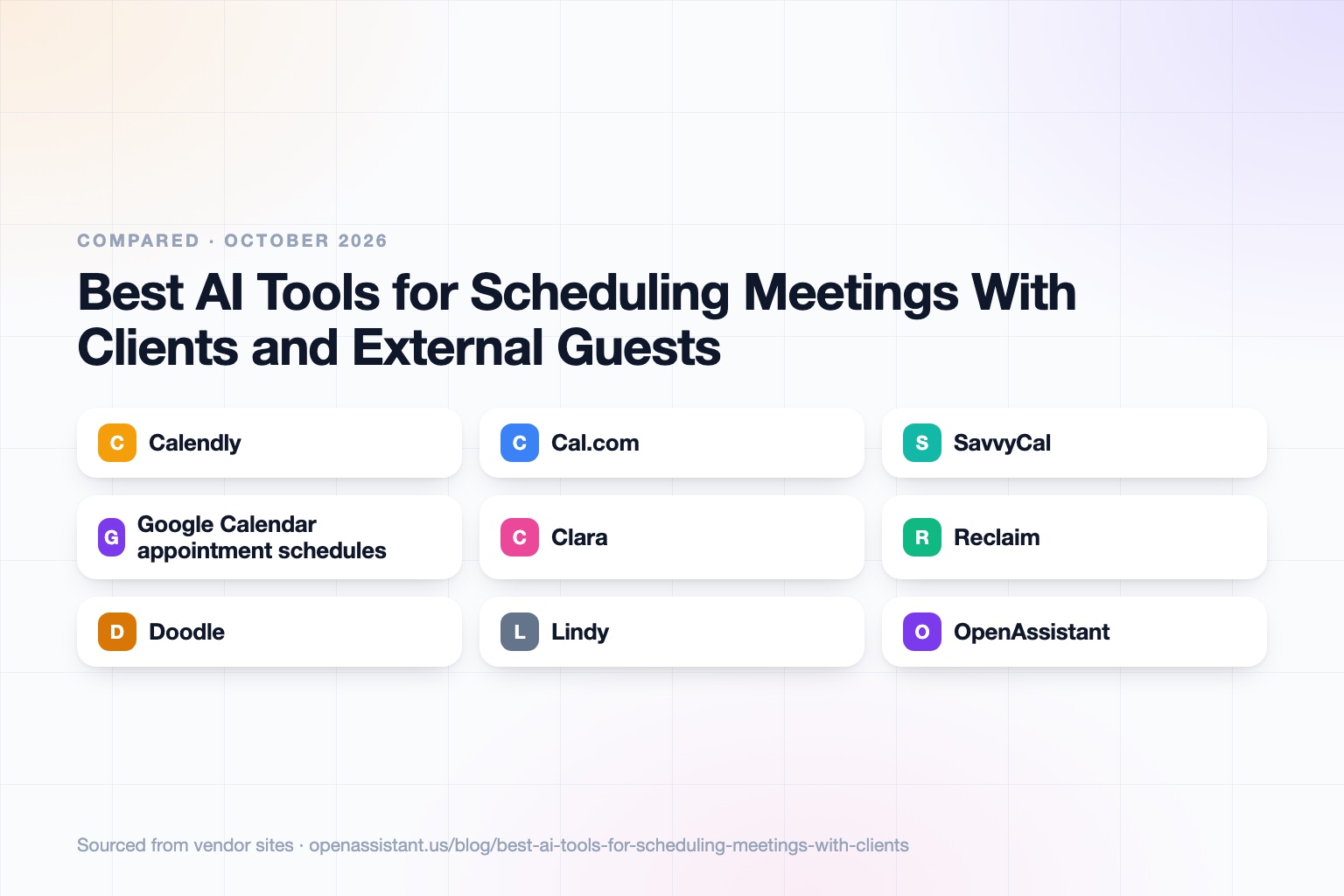
The short answer
For an AI scheduling assistant for external meetings, the right pick depends on whether you want the guest to click a link or to just reply to an email. Booking links are the fastest for high volume. Email-based assistants are better when guests are senior, unfamiliar, or expect a human touch.
- Best booking link with a strong free plan: Calendly or Cal.com.
- Best for a guest-friendly link: SavvyCal.
- Best if you already live in Google Calendar: Google Calendar appointment schedules.
- Best AI assistant to schedule meetings with clients by email: Clara.
- Best for protecting your own focus time: Reclaim.
- Best for group polls: Doodle.
- Best for a general assistant that also schedules: Lindy or OpenAssistant.
Scheduling Tools for External Meetings at a Glance
| Tool | Best for | Key capabilities | Pricing |
|---|---|---|---|
| Calendly | Booking links and team routing | Booking links, calendar sync, routing forms, round robin on Teams, Callie AI assistant (beta) | Free plan; Standard $10, Teams $16 per seat per month |
| Cal.com | Open source and customizable scheduling | Round robin, routing forms, collective events, time zone detection, self-hosting | Free plan; Teams $12, Organizations $28 per user per month |
| SavvyCal | Guest-friendly links and polls | Unlimited links, meeting polls, round robin, group mode, delegated access on Premium | Basic $10, Premium $17 per user per month |
| Google Calendar appointment schedules | Simple booking within Google Workspace | Booking page, buffers, reminders, co-hosts, Google Meet | Included; some features need Workspace or Google One |
| Clara | Email-based scheduling with external guests | CC her on a thread, she proposes times, handles replies, follows up, confirms | 14-day free trial of 5 meetings; Standard $80 per month for 30 meetings |
| Reclaim | Protecting focus time while scheduling | Smart Meetings, scheduling links, habits, focus time, task sync | Free Lite plan; Starter $10, Business $15 per seat per month (monthly billing) |
| Doodle | Group polls to find a common time | Group polls, booking pages, sign-up sheets | Free plan; paid tiers, confirm with vendor |
| Lindy | A general AI assistant that schedules | Meeting scheduling, inbox management, follow-ups, custom workflows | Plus $29.99 per month; credit-based |
| OpenAssistant | Many people, many calendars, many channels | Own phone and email, scheduling across calendars, multi-person threads, follow-ups | Private beta; request access |
Details reflect each vendor's public site as of October 2026. Pricing and features change often, so confirm with the vendor.
How We Chose
Scheduling inside your company is easy because everyone shares calendars. External scheduling is harder: you cannot see the guest's calendar, they may be in another time zone, and they may cancel or move the meeting. We looked at five things: how the guest books, how reschedules and cancellations are handled, how time zones are shown, whether it supports more than two people, and what it costs.
We grouped tools into booking links, email-based assistants, round-robin and routing tools, and multi-person scheduling. Many products span more than one group. For the time zone angle in depth, see our time zone scheduling roundup.
Calendly: Best for Booking Links and Team Routing
Calendly is the best-known booking link tool. You connect Google or Outlook calendars, set availability, buffers, and daily limits, and share a link. Calendly says it detects time zones from the device and synced calendars, so invitees see times in their own local time by default, and confirmations carry that time zone. Booking confirmations include reschedule and cancel links. Round robin and routing forms are on the Teams plan, and Enterprise adds SSO and audit logging. Its newer AI assistant, Callie, is listed as a beta for scheduling over email on its Standard Plus and Teams Plus plans.
Pricing: a free plan with one event type, Standard at $10 and Teams at $16 per seat per month, and Enterprise from $15,000 per year for 50 seats. The limit: the free plan is deliberately thin, and a link still asks the guest to do the work.
Cal.com: Best for Open Source and Flexibility
Cal.com is an open-source scheduling platform that can be self-hosted. It lists round-robin scheduling, routing forms, collective events, rescheduling, time zone detection, Cal Video, and Stripe payments. Its free plan is for one user with unlimited event types and calendars. Its pricing page lists Teams at $12 and Organizations at $28 per user per month, with Enterprise on request. Its pricing page lists SAML SSO, SCIM, and SOC 2, HIPAA, and ISO 27001 at the Organizations level.
The limit: prices differ by billing period, so check the current figure on its site. More flexibility also means more setup than a plug-and-play link.
SavvyCal: Best for a Guest-Friendly Link
SavvyCal is a paid scheduling tool with unlimited links, meeting polls, round robin, group mode, and calendar connections. The Basic plan is $10 and Premium is $17 per user per month. Premium adds custom domains, delegated assistant access, and paid bookings, and there is a 30-day money-back guarantee.
The limit: there is no free plan, and like other links it relies on the guest clicking through.
Google Calendar Appointment Schedules: Best for Simple Booking in Workspace
Google Calendar lets you share a booking page with set durations, availability, buffers, a scheduling window, Google Meet or in-person details, optional booking form fields, email verification, and up to five reminders. Co-hosts are supported, and Stripe can collect payments.
The limit: some features require an eligible Google Workspace or Google One subscription, and it has no routing or deep team distribution. It is a good starting point before paying for a dedicated tool.
Clara: Best for Email-Based Scheduling With External Guests
Clara is an AI scheduling assistant that works by email. You CC her once, and she reads the thread, proposes times, replies to guests, follows up on non-responses, and confirms the meeting. It works with Google Workspace and Outlook and with Zoom and Teams, handles group scheduling and multi-time zone meetings, and states that no humans read your emails and customer data is not used for model training.
Pricing: a 14-day free trial for 5 meetings, Standard at $80 per month for 30 meetings, and Enterprise on request. The limit: it is priced per meeting volume, and it is a scheduling specialist rather than a general assistant.
Reclaim: Best for Protecting Focus Time While Scheduling
Reclaim is an AI calendar tool. It protects focus time and habits, adds buffers, and offers Smart Meetings and scheduling links. Its plans: a free Lite plan, then Starter at $10 and Business at $15 per seat per month on monthly billing, with Enterprise on request; annual billing is priced differently, so check its page. Task integrations include Google Tasks, Todoist, Asana, ClickUp, Jira, and Linear.
The limit: it is strongest for managing your own time. For back and forth with outsiders who do not use it, a link or an email assistant is still the entry point. See our AI calendar assistants roundup.
Doodle: Best for Group Polls
Doodle is known for group polls: propose times, share a link, and participants vote. It also offers booking pages and sign-up sheets. It has a free plan and paid tiers, but third-party price listings disagree and we could not load the vendor's pricing page, so check the current figures before you buy.
The limit: polls need guests to respond, and on the free plan ads are shown to you and your invitees per third-party reviews.
Lindy: Best for a General AI Assistant That Also Schedules
Lindy is an AI assistant that handles inbox management, reply drafting, meeting scheduling, recording, and follow-up, plus custom workflows. Plans are credit-based: Plus at $29.99 per month for 3,000 credits, Pro at $99.99, Max at $199.99, and Enterprise on request, with a 7-day trial that includes free credits. Lindy lists GDPR, SOC 2, and HIPAA compliance.
The limit: because it is general, you will configure how it handles scheduling rules, and credits can be consumed in ways that are hard to predict.
OpenAssistant: Best for Coordinating Many People Across Channels
We build OpenAssistant, so weigh this entry accordingly. It is an executive assistant with its own name, phone number, and email (or one on your company domain). It schedules across many calendars, runs multi-person email threads, and follows up when people go quiet, over email, SMS, iMessage, WhatsApp, or a phone call. It can also run plain-English workflows on demand, on a schedule, or on a trigger. See the product page and the AI scheduling assistant page.
It is in private beta (request access). It is not a high-volume self-serve booking page, a polling product, or a routing engine, so it does not replace Calendly or Cal.com for that job. Privacy details are in the Trust Center.
How Each Approach Handles Reschedules and Time Zones
- Booking links: the guest sees times in their own time zone, and a reschedule or cancel link arrives in the confirmation. This works well when guests are comfortable with links.
- Email-based assistants: the assistant handles the back and forth, which suits reschedules that need a conversation. Check that it states the time zone in each proposal.
- Round robin and routing: the tool picks the host by rules such as availability or form answers. Test what happens when the assigned host cancels.
- Polls: best for first-time group scheduling, but weaker for changes after the poll closes.
- General assistants: flexible across channels, but you set the rules.
How to Choose
- High volume, many guests: a booking link, with Calendly or Cal.com.
- Senior guests or high stakes: an email-based assistant such as Clara, so guests just reply.
- Team of sellers or support staff: round robin and routing on Calendly Teams or Cal.com. See our AI tools for sales follow-up.
- Several people with no shared calendar: a poll, or an assistant that coordinates by email.
- Tight budget: start with a free plan or Google Calendar appointment schedules.
- Recruiting panels: see our interview scheduling tools.
Common Mistakes
- Offering too many slots, or too few, so guests ask for more.
- Forgetting buffers, so back-to-back external calls run late.
- Not testing how the tool shows time zones when a guest travels.
- Sending a link to a guest who expects a human reply.
- Not deciding who owns a meeting that needs to move.
For more on where AI saves time, read tasks to automate with AI.
Frequently asked questions
What is the best AI scheduling assistant for external meetings?
For high volume, a booking link such as Calendly or Cal.com. For senior or one-off guests, an email-based assistant such as Clara, where you CC the assistant and it negotiates the time. The best choice depends on whether guests will click a link.
What is the best AI scheduling assistant overall?
There is no single best. Calendly is the best-known booking link, Clara is an email-based scheduling specialist, Reclaim protects your focus time, and general assistants such as Lindy and OpenAssistant schedule as part of broader work.
Is there an AI assistant to schedule meetings with clients by email?
Yes. Clara works by email: CC her and she proposes times, replies to guests, follows up, and confirms. Lindy and OpenAssistant can also coordinate over email, and OpenAssistant is in private beta.
Do scheduling tools handle time zones automatically?
Most booking tools show guests times in their own time zone. Calendly says it detects time zones from the device and synced calendars, and Cal.com lists time zone detection. Always check the zone shown in the confirmation.
Is there a free scheduling tool for external guests?
Yes. Calendly and Cal.com have free plans, Reclaim has a free Lite plan, Google Calendar appointment schedules are included with Google accounts, and Doodle has a free plan.
Sources
- Calendly pricing
- Calendly features
- Calendly help center
- Cal.com
- Cal.com pricing
- SavvyCal pricing
- Google Calendar appointment schedules
- Clara
- Clara pricing
- Reclaim pricing
- Doodle pricing (third-party summary)
- Lindy pricing
Facts last verified 2026-10-03.
More comparisons
If your work involves other people
OpenAssistant is our executive assistant for teams, with its own phone number and email. See how it compares:
Keep reading
Guides
- Best AI Executive Assistants in 2026 (Compared)
- Best AI Assistants You Can Text (iMessage, WhatsApp, SMS) in 2026
- Best AI Assistants That Make Phone Calls for You (2026)
- How to Use AI as an Executive Assistant (Step by Step)
- How to Know If an AI Tool Is Safe to Use in 2026
- How to Use AI at Work: 10 Practical Ways in 2026
- How Businesses Can Use AI Beyond ChatGPT in 2026
- 20 Tasks You Can Automate With AI at Work in 2026
- 9 Best AI Calendar Assistants for 2026
- 7 Best AI Email Assistants for 2026