Best AI Tools for Following Up on Emails (So Nothing Falls Through)
 Justin Canetti10 min read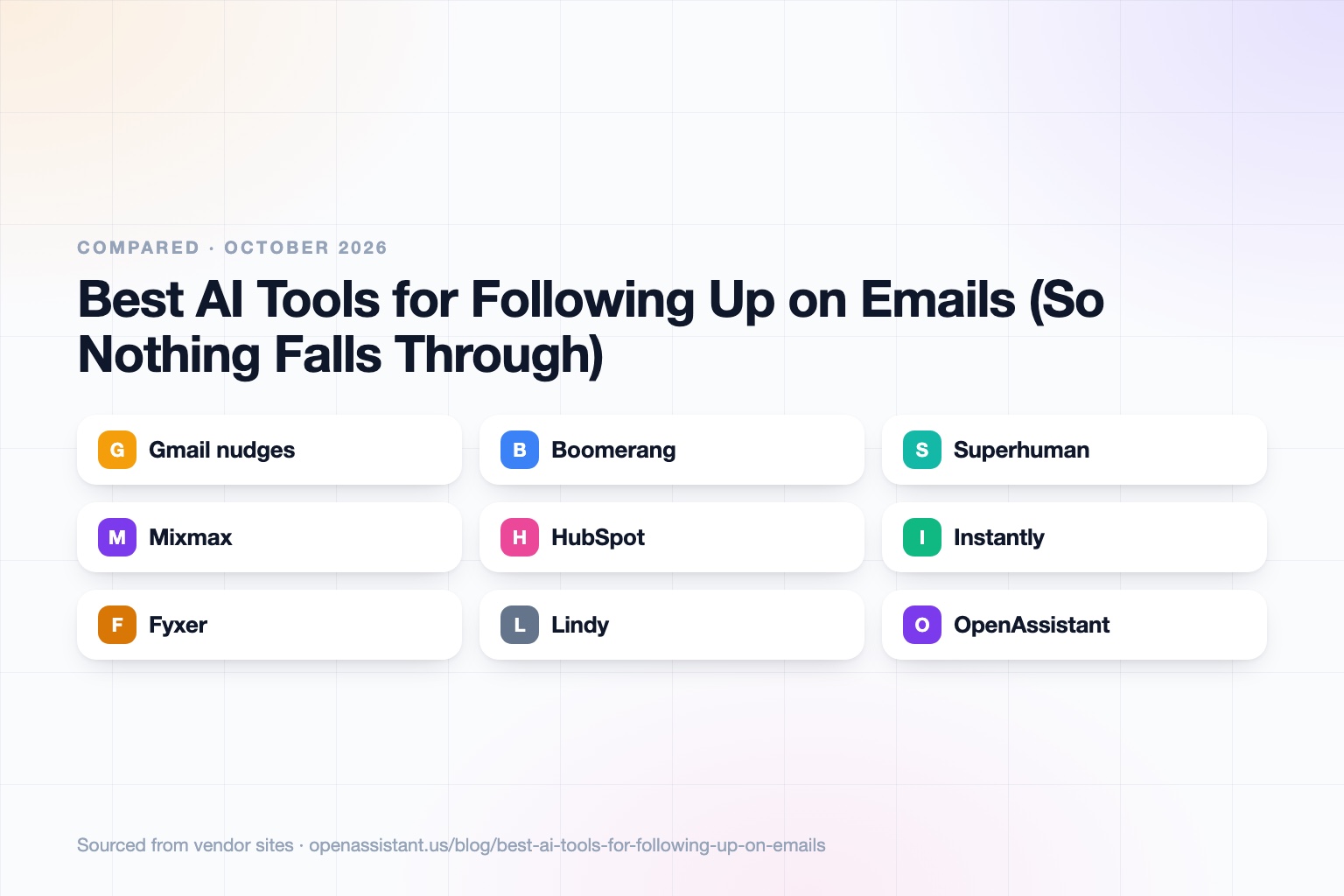
The short answer
The best AI to follow up on emails depends on who is doing the chasing: you with a nudge, a sequence that sends for you, or an assistant that follows up on your behalf. Reminders are cheap and safe. Sequences scale outreach. Assistants help with relationships that need a human tone.
- Best free reminder: Gmail nudges.
- Best for reminders and snooze in Gmail: Boomerang.
- Best inbox with AI follow-up reminders: Superhuman.
- Best for sales follow-up with tracking: Mixmax or HubSpot.
- Best for high-volume cold outreach sequences: Instantly.
- Best AI that drafts follow-ups in your inbox: Fyxer.
- Best for general assistants that chase replies: Lindy or OpenAssistant.
Email Follow-Up Tools at a Glance
| Tool | Best for | Key capabilities | Pricing |
|---|---|---|---|
| Gmail nudges | Free reminders on sent and unanswered mail | Surfaces emails you may need to reply to or follow up on, in your inbox | Included with Gmail |
| Boomerang | Reminders and snooze in Gmail | Remind if no reply, snooze, scheduled send, Respondable AI, meeting polls | Free browser extension with premium plans; not itemized on its homepage |
| Superhuman | A fast inbox with AI follow-ups | Auto follow-up reminders, AI drafts that match your style, auto labels, Ask AI | Free month promo; pricing not shown on the page we read |
| Mixmax | Sales follow-up inside email | Tracking, sequences, AI sequence builder, automatic meeting follow-ups | Free plan; $29 to $89 per user per month on annual billing |
| HubSpot | Follow-up tied to a CRM | Email tracking, open and click alerts, sequences, CRM sync | Free email tracking; paid Sales Hub tiers |
| Instantly | High-volume outbound sequences | Multi-step outreach, unlimited email accounts, warmup, AI agents on bundle plans | Plans from $47 per month |
| Fyxer | Drafting replies and follow-ups | Labels and prioritizes email, drafts replies and follow-ups, reminders on urgent items | 14-day free trial; plans not itemized on its homepage |
| Lindy | A general AI assistant | Inbox management, reply drafting, task nudges, custom workflows | Plus $29.99 per month; credit-based |
| OpenAssistant | Chasing people over email, text, and calls | Own phone and email, follow-ups when people go quiet, shared tasks, workflows | Private beta; request access |
Details reflect each vendor's public site as of October 2026. Pricing and features change often, so confirm with the vendor.
How We Chose
Following up falls into four styles. A reminder tells you to follow up. Inbox AI notices an unanswered thread. A sequence sends a series of messages automatically. An assistant chases a reply for you and keeps track of it. We picked tools that cover each style, and we looked at what they do, what they cost, and how easy it is to stop them when someone replies.
One caution first: automatic follow-ups can annoy people or look careless if they fire after someone has already answered by phone or text. Prefer tools that stop on reply, and review anything high-stakes. See how to know if an AI tool is safe before connecting your inbox.
Gmail Nudges: Best Free Reminder
Gmail nudges bring forward emails you may have forgotten to answer and, for sent mail, suggest a follow-up on messages that have not been answered. They appear at the top of your inbox, and you control them in Settings, See all settings, General, under Nudges, with separate options to suggest emails to reply to and to follow up on.
The limit: nudges remind you but do not write the follow-up, and Google chooses what to surface, so you cannot rely on every thread showing up.
Boomerang: Best for Reminders and Snooze in Gmail
Boomerang is a Gmail and Google Workspace extension. It reminds you if a recipient does not reply, snoozes messages back to your inbox at a time you choose, and schedules emails to send later. It also includes a meeting poll and bookable schedules, an AI writing coach called Respondable, and Inbox Pause. It lists SOC 2 Type 2 certification and is available as a free extension with premium plans.
The limit: it nudges you and does not chase on your behalf, and the premium pricing was not on the page we read.
Superhuman: Best Inbox With AI Follow-Up Reminders
Superhuman is an email client built around speed. Its AI tracks emails that need a response, reminds you to follow up, and drafts replies in your style for you to review. It adds auto labels, auto archive, one-line summaries, voice-to-email, and Ask AI to search your inbox, calendar, and the web. It says it restricts AI providers from training on customer data.
The limit: it replaces your email client rather than adding to it, and we did not find pricing on the page we read, only a free month offer.
Mixmax: Best for Sales Follow-Up Inside Email
Mixmax adds tracking, sequences, scheduling, and AI to Gmail. It lists a free plan with 20 tracked emails per month, Inbox Copilot at $29, Engagement Copilot at $49, and the Suite at $89 per month on annual billing, with a 14-day trial. The Suite includes meeting prep, summaries, and automatic meeting follow-ups, and sequences are limited by monthly recipient counts.
The limit: it is aimed at sales and customer-facing work, and recipient limits matter at volume. See our AI tools for sales follow-up.
HubSpot: Best for Follow-Up Tied to a CRM
HubSpot Sales Hub offers free email tracking that alerts you when a message is opened or a link is clicked and logs it on the contact record, with Gmail, Outlook, and Microsoft 365 support. You can trigger follow-up when someone engages, and paid editions add sequences and deeper reporting. See our CRM updates roundup.
The limit: the value comes from using the CRM, so it is a bigger commitment than a reminder tool, and open tracking is not a perfect signal of interest.
Instantly: Best for High-Volume Outbound Sequences
Instantly focuses on outbound email sequences. Its outreach plans list Growth at $47 per month for 5,000 emails and Hypergrowth at $97 for 125,000 emails, with unlimited email accounts and warmup. Higher-priced bundle plans add a lead database and AI agents.
The limit: it is a cold outreach tool, not a way to follow up with existing clients. Cold email has legal and deliverability rules that vary by country, so check them before sending at scale.
Fyxer: Best for Drafting Follow-Ups in Your Inbox
Fyxer works inside Gmail and Outlook. It labels and prioritizes email, drafts replies and follow-ups, reminds you of urgent items, summarizes meetings, and lets you ask questions about your email history. It lists SOC 2, HIPAA, ISO 27001, and GDPR certifications and a 14-day free trial.
The limit: it prepares drafts and reminders, so you still approve what goes out. See AI email assistants compared.
Lindy: Best General AI Assistant for Inbox Work
Lindy handles inbox management, reply drafting, scheduling, daily briefings, task nudges, and custom workflows. Plans are credit-based: Plus at $29.99 per month for 3,000 credits, Pro at $99.99, Max at $199.99, with Enterprise on request and a 7-day trial. It lists GDPR, SOC 2, and HIPAA compliance and says data is not used for model training.
The limit: credits make cost depend on how much work you give it, and you design the follow-up rules yourself.
OpenAssistant: Best for Chasing People Over Email, Text, and Calls
We build OpenAssistant, so weigh this entry accordingly. It is an executive assistant with its own name, phone number, and email (or one on your company domain). It follows up when people go quiet, keeps multi-person email threads moving, hands off work, and tracks shared tasks. It can reach people over email, SMS, iMessage, WhatsApp, or a phone call, and run plain-English workflows on demand, on a schedule, or on a trigger. See the AI email assistant and product pages.
It is in private beta (request access). It is not a bulk cold-email sender or a CRM, and it does not replace sequence tools for large outbound campaigns. Security details, including SOC 2 Type II and no training on customer data, are in the Trust Center.
How to Choose
- You just forget: turn on Gmail nudges, or add Boomerang or Superhuman.
- You send many proposals or quotes: use tracking and sequences in Mixmax or HubSpot.
- You run cold outbound: a sequence tool such as Instantly, with attention to consent and deliverability rules.
- You need drafts, not just reminders: Fyxer, Superhuman, or Lindy.
- You coordinate several people, not just one recipient: an assistant that follows up across channels, such as OpenAssistant.
- You want to see what to automate first: read tasks to automate with AI.
Common Mistakes
- Letting automated follow-ups continue after the person has replied somewhere else.
- Using the same follow-up for every contact, which reads as spam.
- Relying on open tracking as proof someone saw a message.
- Giving a tool access to your inbox without reading how it stores and uses the data.
- Following up too quickly after a message that asked for a long decision.
Tracking pixels and automated messaging may be covered by privacy and email rules where your recipients live. This is general information, not legal advice, so check the rules that apply to you.
Frequently asked questions
What is the best AI to follow up on emails?
It depends on the style. Gmail nudges and Boomerang remind you. Superhuman and Fyxer draft follow-ups. Mixmax, HubSpot, and Instantly send sequences. Assistants such as Lindy and OpenAssistant can chase replies for you.
Is there an AI email follow up tool that is free?
Yes. Gmail nudges are included with Gmail, HubSpot offers free email tracking, Boomerang has a free extension, and Mixmax has a free plan with limited tracked emails.
How do I get Gmail to remind me to follow up?
Open Settings, then See all settings, then General, and under Nudges turn on the option to suggest emails to follow up on. Gmail may then surface sent messages that have not been answered.
Can AI send follow-up emails automatically?
Yes. Sequence tools such as Mixmax and Instantly send multi-step follow-ups, and assistants can send on your behalf. Choose a tool that stops when someone replies, and review messages that matter.
Are AI email follow-up tools safe for private email?
It depends on the vendor. Check certifications, how long data is kept, and whether your emails are used to train models. Our guide on how to know if an AI tool is safe lists the questions to ask.
Sources
- Gmail nudges (Google Help)
- Gmail nudges (Mailmeteor guide)
- Boomerang for Gmail
- Superhuman Mail AI
- Mixmax pricing
- HubSpot email tracking
- Instantly pricing
- Fyxer
- Lindy pricing
Facts last verified 2026-10-03.
More comparisons
If your work involves other people
OpenAssistant is our executive assistant for teams, with its own phone number and email. See how it compares:
Keep reading
Guides
- Best AI Executive Assistants in 2026 (Compared)
- Best AI Assistants You Can Text (iMessage, WhatsApp, SMS) in 2026
- Best AI Assistants That Make Phone Calls for You (2026)
- How to Use AI as an Executive Assistant (Step by Step)
- How to Know If an AI Tool Is Safe to Use in 2026
- How to Use AI at Work: 10 Practical Ways in 2026
- How Businesses Can Use AI Beyond ChatGPT in 2026
- 20 Tasks You Can Automate With AI at Work in 2026
- 9 Best AI Calendar Assistants for 2026
- 7 Best AI Email Assistants for 2026