Best AI Tools for Shared Inboxes and Team Email in 2026
 Justin Canetti10 min read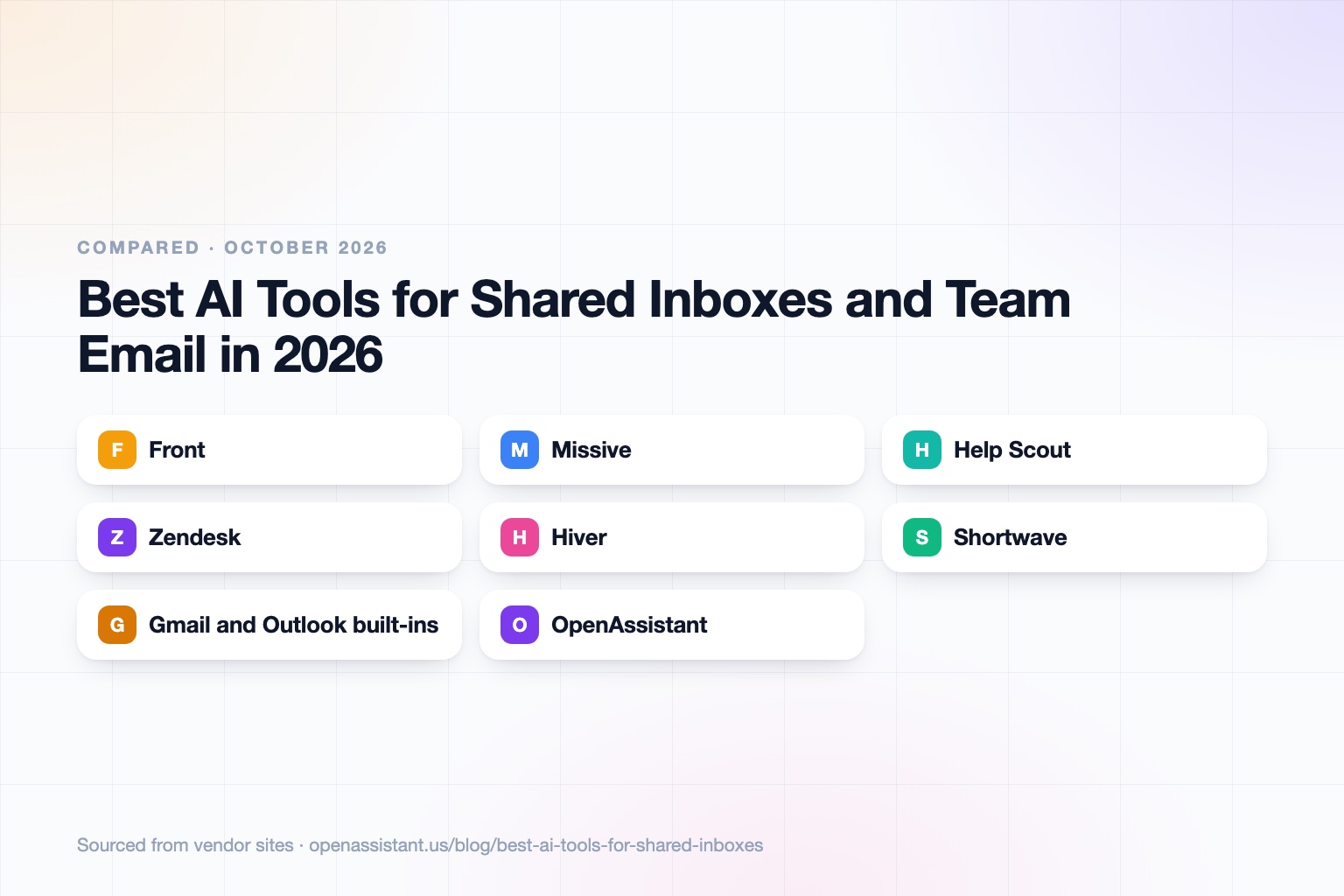
The short answer
For an AI shared inbox, pick the category first: a shared inbox platform if email is a team workflow, a help desk if you have customers with tickets, an email client with team features if you are a small group, or the free built-in options if your volume is low.
- Best shared inbox platform for mixed channels: Front or Missive.
- Best for customer support teams: Help Scout or Zendesk.
- Best if your team lives in Gmail: Hiver, or Google Groups collaborative inboxes at no extra cost.
- Best AI email client with team sharing: Shortwave.
- Best for triaging and assigning across people and channels: an executive assistant such as OpenAssistant, alongside one of the tools above.
Shared Inbox Tools at a Glance
| Tool | Best for | Key capabilities | Pricing |
|---|---|---|---|
| Front | Shared inbox across email, SMS, and social | Shared inbox and ticketing, rules and macros, Copilot drafting, Autopilot agent | Starter $25, Professional $65, Enterprise $105 per seat per month; AI add-ons priced separately |
| Missive | Small to mid teams that want chat and email in one place | Shared inboxes, team spaces, tasks, rules, AI drafts and summaries, SOC 2 Type II | $14, $24, or $36 per user per month; 30-day free trial |
| Help Scout | Support teams that want a simple, email-first help desk | Shared inbox, knowledge base, AI Drafts and Summarize, AI Answers in Beacon | Free plan for 5 users; paid from $25 per user per month |
| Zendesk | Larger support operations with AI agents | AI agents, messaging, email, and voice; Copilot add-on | Suite Team $55, Suite Professional $115 per agent per month; Enterprise custom |
| Hiver | Teams that want a shared inbox inside Gmail | Shared inbox and ticketing, AI agents and Copilot, SLAs on higher plans | Growth $25 to $35, Pro $55 to $65, Elite $85 to $95 per user per month |
| Shortwave | AI-first email client with team sharing | AI search, summaries, thread sharing, team comments, shared labels | Business $30, Premier $45, Max $120 per seat per month; 14-day trial |
| Gmail and Outlook built-ins | Low-volume shared addresses like info@ or support@ | Google Groups collaborative inbox (assign, label, mark complete); Exchange Online shared mailbox | Included with the underlying workspace; no separate AI triage described |
| OpenAssistant | Triage, assignment, and follow-up that spans people and channels | Own email and phone number, multi-person threads, shared tasks, workflows | Private beta; request access |
Details reflect each vendor's public site as of October 2026. Pricing and features change often, so confirm with the vendor.
How We Chose
A shared inbox is not one product category. A team that answers sales@ from five people needs something different from a 40-agent support desk. We grouped tools by the job they do and looked at four things: who owns each thread, whether AI helps with triage and drafting, how much it costs per seat, and how it treats customer data.
We kept to tools with published pricing or clear vendor documentation. For a wider view of email assistants that work for one person, see our roundup of the best AI email assistants.
Best Shared Inbox Software: Front and Missive
If you are searching for the best shared inbox software for a team that handles email as a workflow, these two are the obvious starting points.
Front: Best for Shared Inboxes Across Many Channels
Front is a shared inbox and ticketing platform that brings email, SMS, social, and chat into one place. Per its pricing page, Starter is $25 per seat per month for up to 10 seats with shared inbox and ticketing, Professional is $65 per seat per month and adds omnichannel support, and Enterprise is $105 per seat per month and includes its Copilot, Smart QA, and Smart CSAT features.
On the AI side, Copilot suggests replies and rewrites tone, and Autopilot is a separate agent that handles requests end to end, priced from $0.05 per conversation. The honest limit is cost: AI features are largely add-ons below Enterprise, so the real price per seat is higher than the headline number.
Missive: Best Value for Small and Mid-Sized Teams
Missive combines shared inboxes, team spaces, internal chat, tasks with due dates, and email, SMS, and social channels. Plans are $14, $24, and $36 per user per month on yearly billing, with a 30-day free trial, and all plans list SOC 2 Type II. Its AI features draft replies, summarize conversations, translate, and can be wired into rules, using models from several providers.
The limit is depth: it is lighter on formal ticketing, SLAs, and reporting than a full help desk, so large support organizations usually outgrow it.
Best Help Desk Software With AI: Help Scout and Zendesk
When the inbox is really a support queue, a help desk adds ticket status, knowledge bases, and resolution metrics that a plain shared inbox lacks.
Help Scout: Best for Email-First Customer Support
Help Scout has a free plan for up to 5 users, then paid plans at $25, $45, and $75 per user per month. All plans include a shared inbox and knowledge base. AI Drafts and Summarize generate a reply from past conversations and condense long threads, and AI Answers resolves questions in its Beacon widget at $0.75 per resolution after a 3-month free trial, per its pricing page and AI pages.
The limit: it is built for customer support, so internal team email or sales threads fit less naturally. Its pricing page lists HIPAA compliance as an add-on, so check the vendor's terms for your own situation. For a deeper look, see our guide to AI tools for customer support teams.
Zendesk: Best for Large Support Operations
Zendesk Suite plans are $55 per agent per month for Team and $115 for Professional on annual billing, with Enterprise on custom pricing and a Copilot add-on at $50 per agent per month. Its AI agents resolve customer issues across channels. Automated resolutions beyond the included amount are billed per resolution.
The limit: it is more setup and more spend than a small team needs, and automated resolution pricing needs modeling before you commit.
Hiver: Best Shared Inbox for Gmail Teams
Hiver lets a team share inboxes and manage tickets without leaving Gmail. Its site lists Growth at $25 to $35 per user per month, Pro at $55 to $65, and Elite at $85 to $95 depending on billing, with AI agents and Copilot on every tier and a 7-day trial. Elite adds AI QA, skill-based routing, SSO, and HIPAA compliance.
The limit: it is designed around Gmail and Google Workspace, so teams on Outlook should look elsewhere.
Shortwave: Best AI Email Client With Team Features
Shortwave is an AI-first email client. Plans are $30, $45, and $120 per seat per month with a 14-day trial, and team features include thread sharing, team comments, and shared labels. AI covers search across mail history, summaries, and instant replies.
The limit: it is an email client with collaboration, not a ticketing system, so it suits small teams rather than queues with SLAs and agent reporting.
Gmail and Outlook Built-In Options: Best for Low Volume
Before you buy anything, check what you already own. Google Groups has a collaborative inbox where members can assign a conversation, label it, and mark it complete, filtered by assignment and resolution status. Exchange Online shared mailboxes let a group read and send from a common address like info@ or support@, where replies appear to come from the shared address.
The limit: neither adds AI triage or drafting that we could verify on the vendors' documentation pages, and the tracking is basic. They are a good starting point for a small team and a poor fit once volume grows.
OpenAssistant: Best for Triage, Assignment, and Follow-Up Across People
We build OpenAssistant, so weigh this entry accordingly. It is an executive assistant with its own name, phone number, and email (or one on your company domain), built for work that involves other people: multi-person email threads, hand-offs, approvals, follow-ups, and shared tasks inside and across companies. You can give it plain-English workflows that run on demand, on a schedule, or on a trigger, such as routing a request to the right person and chasing a reply. It works over email, SMS, iMessage, WhatsApp, and phone calls. See the AI email assistant page and the teams page.
What it does not replace: a help desk with ticket queues, SLAs, and a knowledge base. It is in private beta, so you request access, and its Trust Center covers SOC 2 Type II and data handling.
What to Look For and Common Mistakes
- Buying a help desk for a team inbox. Ticket queues, SLAs, and per-agent pricing are overhead if five people answer one address.
- Ignoring AI add-on costs. Several vendors price AI per resolution or per seat on top of the base plan. Model your volume before you sign.
- No clear owner per thread. Look for assignment, status, and internal notes, not just a shared view of the same messages.
- Letting AI send without review. Start with drafts that a person approves, then widen autonomy for low-risk replies.
- Skipping data handling. Shared inboxes hold customer names, contracts, and sometimes health or financial details. Check retention, training on your data, and access controls. This is general information, not legal advice; see our guide on how to know if an AI tool is safe.
How to Choose
- 2 to 5 people, low volume: start with Google Groups or a shared mailbox, then move to Missive or Shortwave.
- Customer support with a knowledge base: Help Scout for a simple setup, Zendesk for scale and AI agents.
- All-Gmail team: Hiver or Shortwave.
- Many channels, many teams: Front.
- Mostly coordination, not tickets: pair your inbox tool with an assistant that handles scheduling and follow-up. See the best AI personal assistants and our guide to tasks to automate with AI.
Frequently asked questions
What is the best AI shared inbox?
It depends on the team. Front and Missive are strong shared inbox platforms, Help Scout and Zendesk suit support teams, Hiver and Shortwave suit Gmail users, and Google Groups collaborative inboxes cover small teams at no extra cost.
What is the best shared inbox software for a small team?
Missive starts at $14 per user per month with a 30-day free trial, and Help Scout has a free plan for up to 5 users, per their pricing pages. Teams already on Google Workspace can try collaborative inboxes in Google Groups first.
Can AI triage and assign emails automatically?
Yes, with limits. Front's Autopilot agent can triage, route, and tag conversations, priced per conversation, and assistants like OpenAssistant can route requests and follow up through plain-English workflows. Start with suggestions a human approves.
What is the difference between a shared inbox and a help desk?
A shared inbox lets a team read, assign, and answer email together. A help desk adds ticket status, SLAs, a knowledge base, and reporting, and is priced per agent.
Is a shared mailbox in Outlook enough?
For a low-volume address like info@, often yes. Per Microsoft's documentation, members can read and send from the shared address, but we found no built-in AI triage or ticket tracking described there.
Is it safe to put customer email through an AI tool?
It can be, if you check retention, whether the vendor trains on your data, and access controls. This is general information, not legal advice.
Sources
- Front pricing
- Missive pricing
- Help Scout pricing
- Help Scout AI features
- Zendesk pricing
- Hiver pricing
- Shortwave pricing
- Google Groups collaborative inbox
- Microsoft shared mailboxes in Exchange Online
- Front Autopilot help article
Facts last verified 2026-10-03.
More comparisons
If your work involves other people
OpenAssistant is our executive assistant for teams, with its own phone number and email. See how it compares:
Keep reading
Guides
- Best AI Executive Assistants in 2026 (Compared)
- Best AI Assistants You Can Text (iMessage, WhatsApp, SMS) in 2026
- Best AI Assistants That Make Phone Calls for You (2026)
- How to Use AI as an Executive Assistant (Step by Step)
- How to Know If an AI Tool Is Safe to Use in 2026
- How to Use AI at Work: 10 Practical Ways in 2026
- How Businesses Can Use AI Beyond ChatGPT in 2026
- 20 Tasks You Can Automate With AI at Work in 2026
- 9 Best AI Calendar Assistants for 2026
- 7 Best AI Email Assistants for 2026