Best AI Tools for Office Managers in 2026
 Justin Canetti10 min read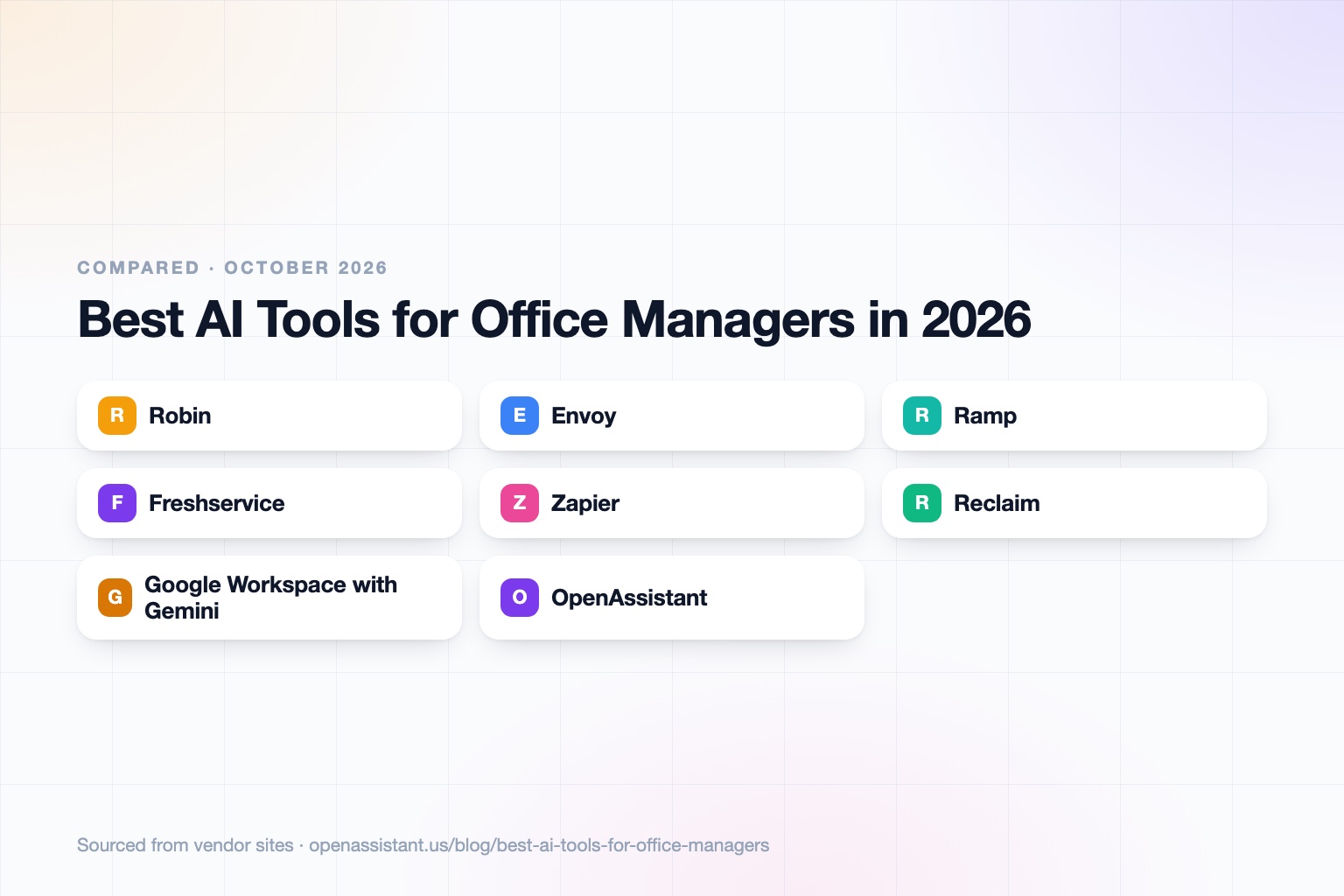
The short answer
The best AI tools for office managers are a small stack, not one product: one for space and visitors, one for spend, one for requests, and an assistant for the coordination in between.
- Best for rooms and desks: Robin.
- Best for visitor and front desk: Envoy, which has a free Basic visitor plan.
- Best for expenses and vendor spend: Ramp, with a free plan.
- Best for IT and onboarding requests: Freshservice.
- Best for simple automation: Zapier, with a free plan.
- Best for the daily inbox, calendar, and follow-ups: Gemini in Google Workspace or an assistant such as OpenAssistant.
If you want an AI assistant for an office manager role specifically, start with the part of your week that eats the most time, and add one tool at a time.
AI Tools for Office Managers at a Glance
| Tool | Best for | Key capabilities | Pricing |
|---|---|---|---|
| Robin | Room, desk, and space booking | Desk, room, locker, and parking booking; calendar integration; analytics assistant add-on | Contact sales; billed annually |
| Envoy | Visitor and front desk | Pre-registration, check-in, badges, deliveries, desk and room reservations | Visitors Basic free; Premium $362 per location per month annually |
| Ramp | Expenses, cards, and bill pay | Corporate cards, expense management, AI expense review, accounts payable | Free plan; Plus $15 per user per month plus platform fee |
| Freshservice | IT requests and onboarding workflows | Service desk, knowledge base, service catalog, onboarding workflows, Freddy AI | Starter $19 per agent per month annually; 14 day trial |
| Zapier | Automating admin between apps | No-code workflows between apps, with task-based plans | Free plan with 100 tasks; paid from $19.99 per month annually |
| Reclaim | Calendar scheduling for your team | AI scheduling, focus time, buffers, scheduling links, team out of office calendar | Free Lite plan; Starter $10 per seat per month |
| Google Workspace with Gemini | Daily email, docs, and meeting notes | Gemini in Gmail, Docs, and Meet; shared calendars and drives | Business Starter $7 per user per month; Standard $14 |
| OpenAssistant | Coordinating people, vendors, and follow-ups | Own phone, email, and calendar; multi-person scheduling; shared tasks; workflows | Private beta; request access |
Details reflect each vendor's public site as of October 2026. Pricing and features change often, so confirm with the vendor.
How We Chose
Office management is a bundle of small jobs: bookings, visitors, supplies, requests, expenses, and answering whoever walked up. No one product covers all of it, so we picked one strong tool for each distinct job and mixed established names with tools that lean on AI.
We looked at what each tool does well, who it suits, whether pricing is public, and one honest limit. If you are weighing how much access to give any of them, read how to know if an AI tool is safe first.
Robin: Best for Scheduling and Room and Desk Booking
Robin is a workplace platform for booking desks, rooms, lockers, and parking. It syncs with Google and Microsoft calendars, supports custom booking policies, and offers an optional analytics AI assistant for space-use insights. It also covers visitor check-in and meeting management for teams that want one tool.
It suits offices with hybrid schedules and shared space to manage. The limit: pricing is not published, so budget a conversation with sales, and a very small office with one meeting room may not need it.
Envoy: Best for Visitors and the Front Desk
Envoy handles visitor pre-registration, check-in, host notifications, and badges, and has separate products for deliveries, reservations, and digital screens. The Basic Visitors plan is free with limited features, including 100 monthly entries, which is enough to try it at a small office.
It suits offices that want a clean arrival experience and a log of who was on site. The limit: badge printing, ID scanning, and access control integrations sit in paid tiers, and a visitor log is personal data, so confirm retention settings and any rules that apply to you.
Ramp: Best for Expense and Vendor Spend Automation
Ramp combines corporate cards, expense management, and accounts payable. Its free plan includes cards, basic expense management, and AP with OCR. The Plus plan adds AI-driven expense reviews and auto-coded line items, with a 30 day trial.
It suits office managers who chase receipts and approve vendor bills. The limit: Plus adds a platform fee on top of the per-user price, and moving spend to a new card and bill pay system is a finance decision, not just an office one. For a wider look, see our best AI expense and travel tools.
Freshservice: Best for IT Requests and Onboarding Workflows
Freshservice is an IT service management tool with incident management, a knowledge base, a service catalog, and onboarding workflows. Its Freddy AI features include a copilot for ticket summaries and suggested replies, and a conversational agent for answering employee questions.
It suits teams where laptops, access, and "my printer is broken" requests land on the office manager. The limit: the AI features are priced separately from the base plan, and a one person office may be fine with a shared inbox. Our best AI tools for employee onboarding covers this job in more depth.
Zapier: Best for Connecting Everyday Admin Apps
Zapier lets you build no-code workflows between apps, such as sending a new form response to a spreadsheet and a chat message. The free plan includes 100 tasks per month, and the Professional plan starts at $19.99 per month on annual billing for 750 tasks.
It suits office managers who repeat the same copy and paste steps every week. The limit: costs scale with task volume, and a workflow you build becomes something you maintain. Our guide to tasks to automate with AI helps you pick the right ones.
Reclaim: Best for AI Calendar Management
Reclaim is an AI calendar tool that protects focus time, adds buffers, and creates scheduling links. It has a free Lite plan for one user, Starter at $10 per seat per month, and a Business plan with a team out of office calendar and delegated access.
It suits office managers who juggle many calendars and shared meetings. The limit: it optimizes calendars rather than handling the conversations around them. See our best AI calendar assistants for alternatives.
Google Workspace with Gemini: Best for Daily Email, Docs, and Meetings
Google Workspace plans include Gemini: Starter lists Gemini in Gmail, and Standard lists it across Gmail, Docs, and Meet. If your office already runs on Google, it is the lowest friction way to draft announcements, summarize threads, and keep shared calendars and drives in order. Plans are $7 per user per month on Business Starter and $14 on Standard, with promotional pricing for new customers.
The limit: it works inside Google's apps, so it does not call vendors or manage work across other systems. Microsoft offers a comparable Copilot add-on for Microsoft 365 offices, listed at $18 per user per month on annual billing as a promotional rate through December 31, 2026 (first year, annual commitment, regular price $21), per Microsoft's pricing page.
OpenAssistant: Best for Coordinating People, Vendors, and Follow-Ups
We build OpenAssistant, so weigh this entry accordingly. OpenAssistant is an executive assistant with its own name, phone number, and email (or one on your company domain). It handles work that involves other people: scheduling across many calendars, multi-person email threads, follow-ups with vendors, hand-offs and approvals, and shared tasks, plus plain-English workflows that run on demand, on a schedule, or on a trigger. It works by phone, iMessage, SMS, WhatsApp, email, and web.
It is in private beta (request access), and it is not a specialist in room booking, visitor management, expense systems, or IT service desks, so it does not replace the tools above. Security details are on the Trust Center: SOC 2 Type II, GDPR and CCPA, SAML SSO, SCIM and RBAC on Team plans, audit logs on Enterprise, and no training on customer data. See the AI scheduling assistant page for how scheduling works.
How to Choose
- Small office, tight budget: start with free tiers: Envoy Basic for visitors, Ramp's free plan for spend, Zapier Free for automation, and Reclaim Lite.
- Hybrid team with shared space: Robin, with Envoy if you also need a heavier front desk.
- You are the IT person too: Freshservice, or a shared inbox plus Zapier if volume is low.
- You live in Google or Microsoft: use the built-in AI first, then add tools only where it falls short. See best AI email assistants.
- Your day is chasing people and vendors: an executive assistant such as OpenAssistant, and see our guide for executive assistants for a related stack.
Tasks an AI Assistant Can Take Off Your Plate
- Find a time that works across several people and book the room.
- Send visitor and guest details to the front desk before arrival.
- Chase vendors for quotes, delivery dates, and invoices.
- Remind staff to submit receipts and categorize expenses for review.
- Draft and send office announcements, such as closures and moves.
- Collect new hire details and trigger the equipment and access checklist.
- Track supply levels and prepare a reorder request for your approval.
- Prepare a weekly summary of open requests and who owns each.
Keep a human in the loop for anything involving money, access, or contracts. Our guide to how to use AI at work has practical guardrails.
Frequently asked questions
What are the best AI tools for office managers?
Pick by task: Robin for room and desk booking, Envoy for visitors, Ramp for expenses and vendor spend, Freshservice for IT and onboarding requests, Zapier for automation, and Gemini or an assistant for email and scheduling.
What is the best AI assistant for an office manager?
It depends on the work. If most of your day is in Google or Microsoft apps, start with Gemini or Copilot. If it is coordinating people and vendors across calendars and email, an executive assistant such as OpenAssistant (private beta) is built for that.
Are there free AI tools for office managers?
Yes. Envoy has a free Basic visitor plan, Ramp has a free plan, Zapier has a free plan with 100 tasks a month, and Reclaim has a free Lite plan. Free tiers have limits, so check them against your volume.
Can AI handle office visitor management?
Tools like Envoy and Robin handle visitor pre-registration, check-in, and host notifications. AI helps more with the surrounding work, such as alerting hosts and logging visits. Visitor logs are personal data, so set a retention period.
Is it safe to give an AI tool access to my company email and calendar?
It can be, if you check the vendor's security certifications, training policy, and permissions before connecting anything. See our guide to AI tool safety.
Sources
- Robin: workplace platform
- Envoy: pricing
- Ramp: pricing
- Freshservice: pricing
- Zapier: pricing
- Reclaim: pricing
- Google Workspace: pricing
- Microsoft 365 Copilot: pricing
Facts last verified 2026-10-03.
More comparisons
If your work involves other people
OpenAssistant is our executive assistant for teams, with its own phone number and email. See how it compares:
Keep reading
Guides
- Best AI Executive Assistants in 2026 (Compared)
- Best AI Assistants You Can Text (iMessage, WhatsApp, SMS) in 2026
- Best AI Assistants That Make Phone Calls for You (2026)
- How to Use AI as an Executive Assistant (Step by Step)
- How to Know If an AI Tool Is Safe to Use in 2026
- How to Use AI at Work: 10 Practical Ways in 2026
- How Businesses Can Use AI Beyond ChatGPT in 2026
- 20 Tasks You Can Automate With AI at Work in 2026
- 9 Best AI Calendar Assistants for 2026
- 7 Best AI Email Assistants for 2026